Free template · Google Sheets + Excel
Free Simple Invoice Template
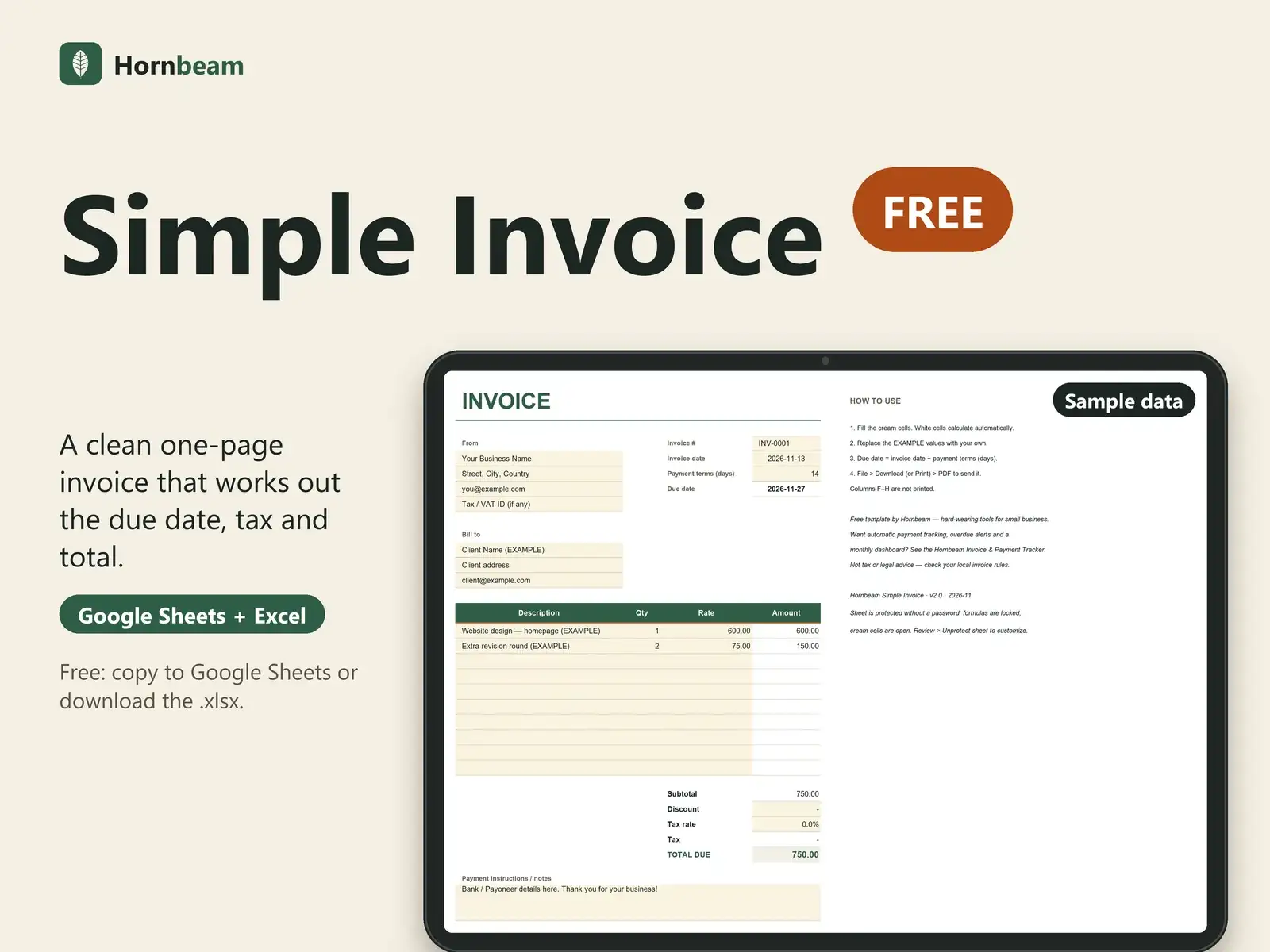
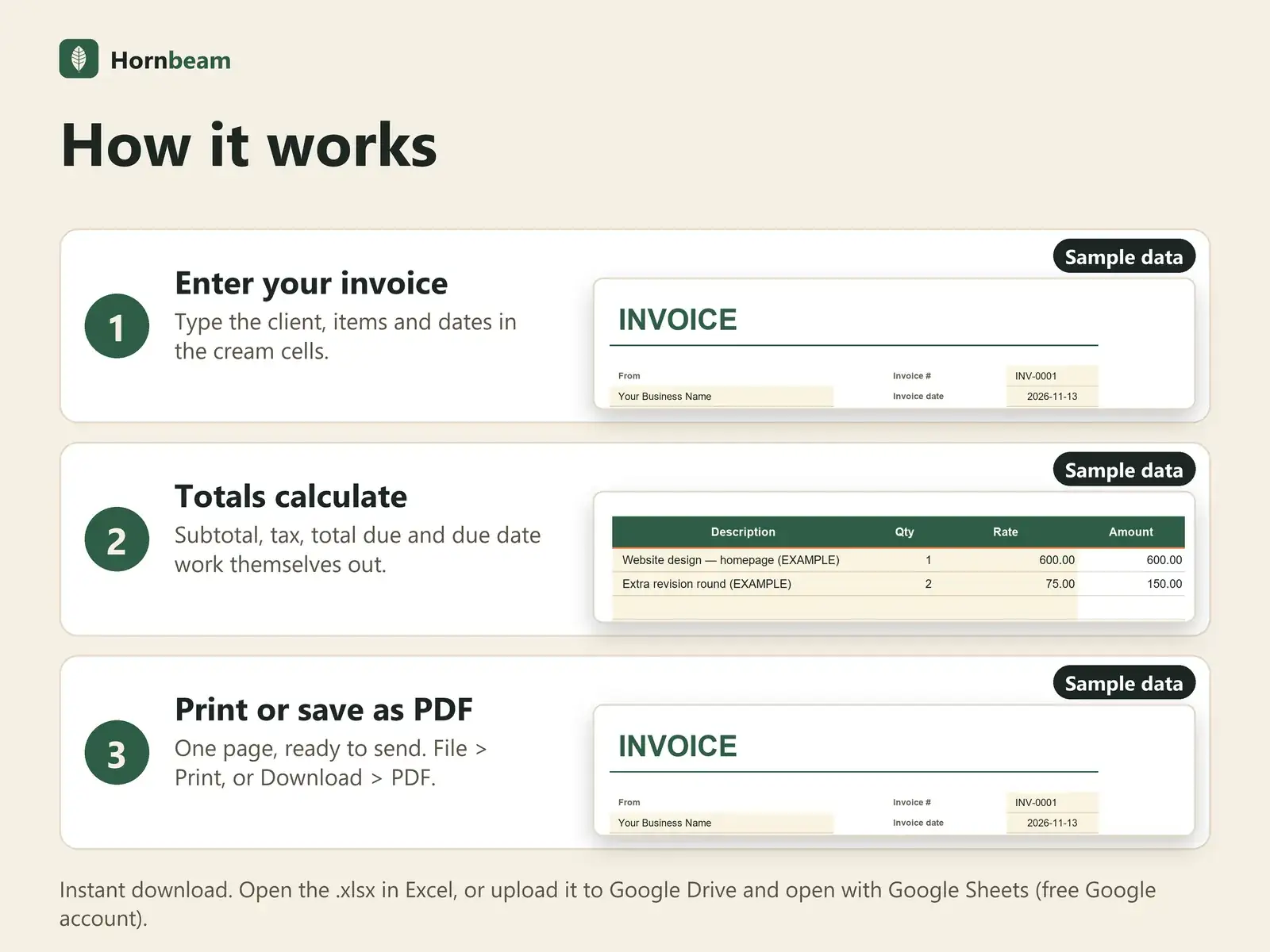
A clean, one-page invoice that calculates itself. Fill the cream cells, download as PDF, send.
Copying to Google Sheets needs a Google account. The .xlsx download does not.
- Free, no payment needed
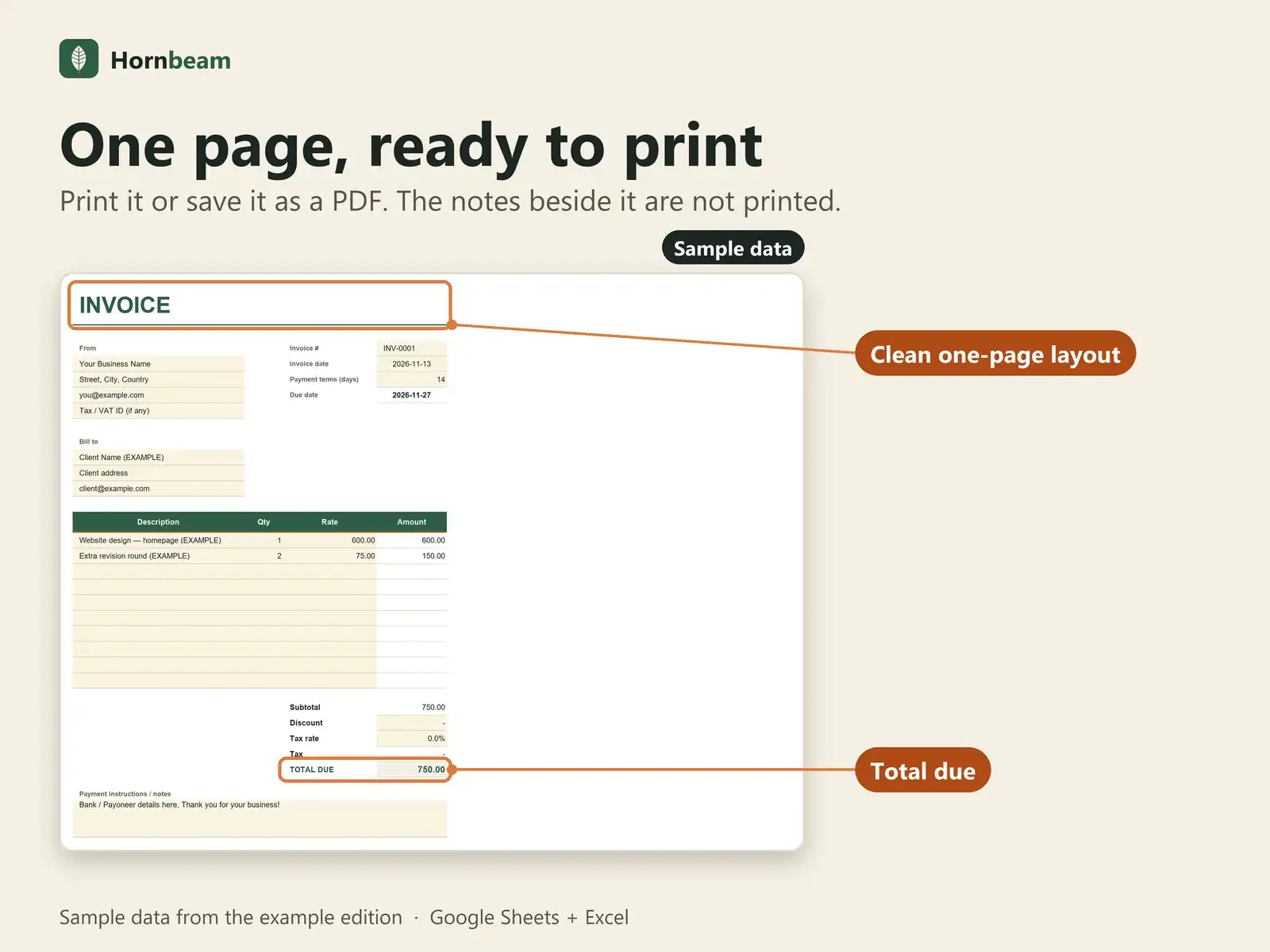
- One page, prints or saves as PDF
- Google Sheets and Excel 2016+
Tour
See it in 15 seconds
A silent 15-second walkthrough, recorded from the real file with sample data.
Features
What it does
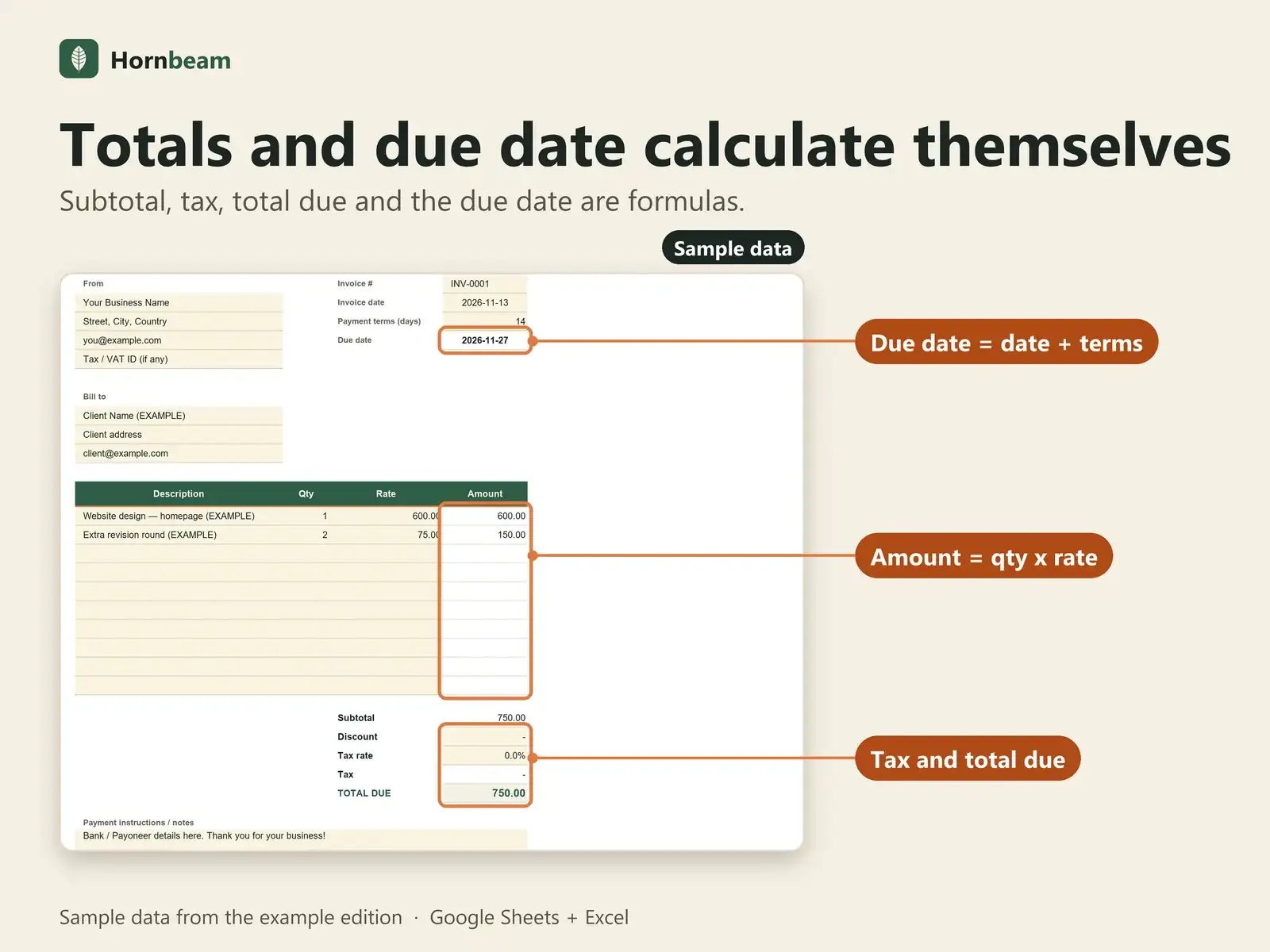
Line totals calculate
Quantity x rate for every line, then the subtotal.
Discount and tax
Type a discount and a tax rate; the total follows.
Due date from your terms
The due date is the invoice date plus your payment terms.
One printed page
Print it, or use File > Download > PDF in Google Sheets.
Not tax or legal advice: check your local invoice requirements.
Next step
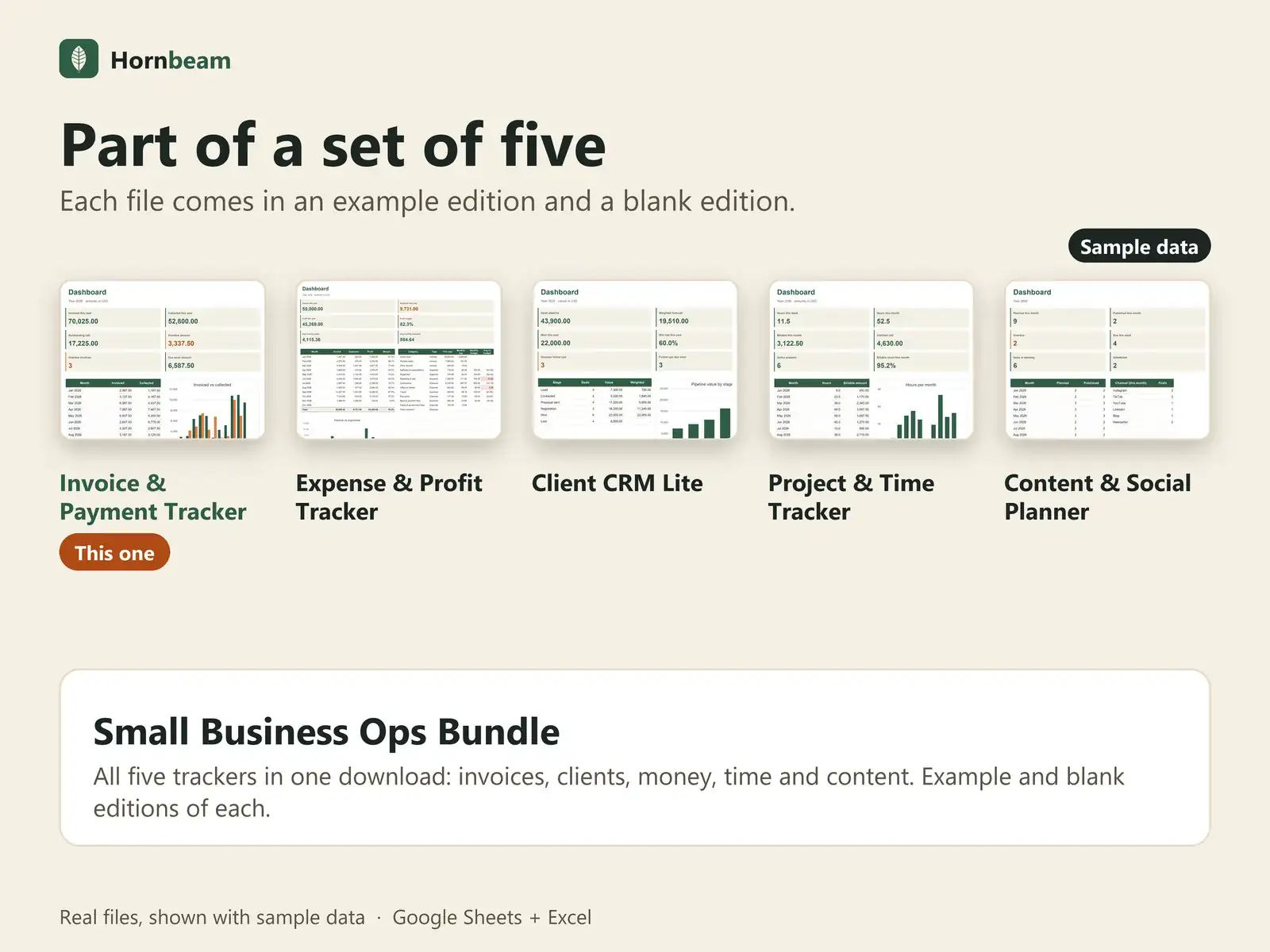
Want overdue alerts and a dashboard?
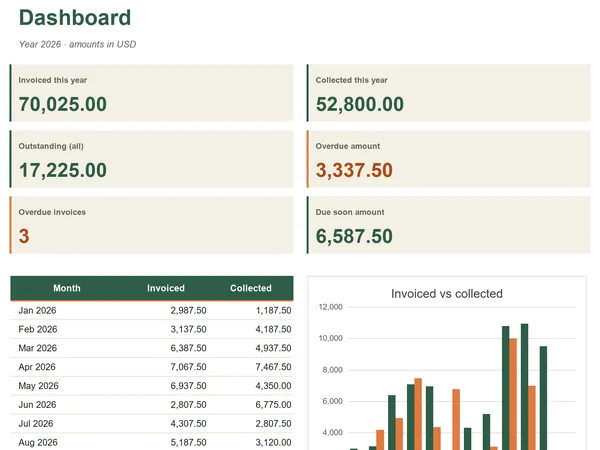
The Invoice & Payment Tracker adds automatic Paid, Due soon and Overdue status, a client list and a monthly dashboard.
Compatibility
Works where you already work
| App | Support |
|---|---|
| Google Sheets | Use the Copy to Google Sheets button. It makes a copy in your own Drive; you need a Google account. |
| Microsoft Excel | Excel 2016 or later opens the .xlsx directly. |
| Macros and add-ons | None. Plain formulas, dropdowns and charts. |
| Other apps | Numbers, LibreOffice and similar apps are not officially supported. |
FAQ
Questions about Free Simple Invoice Template
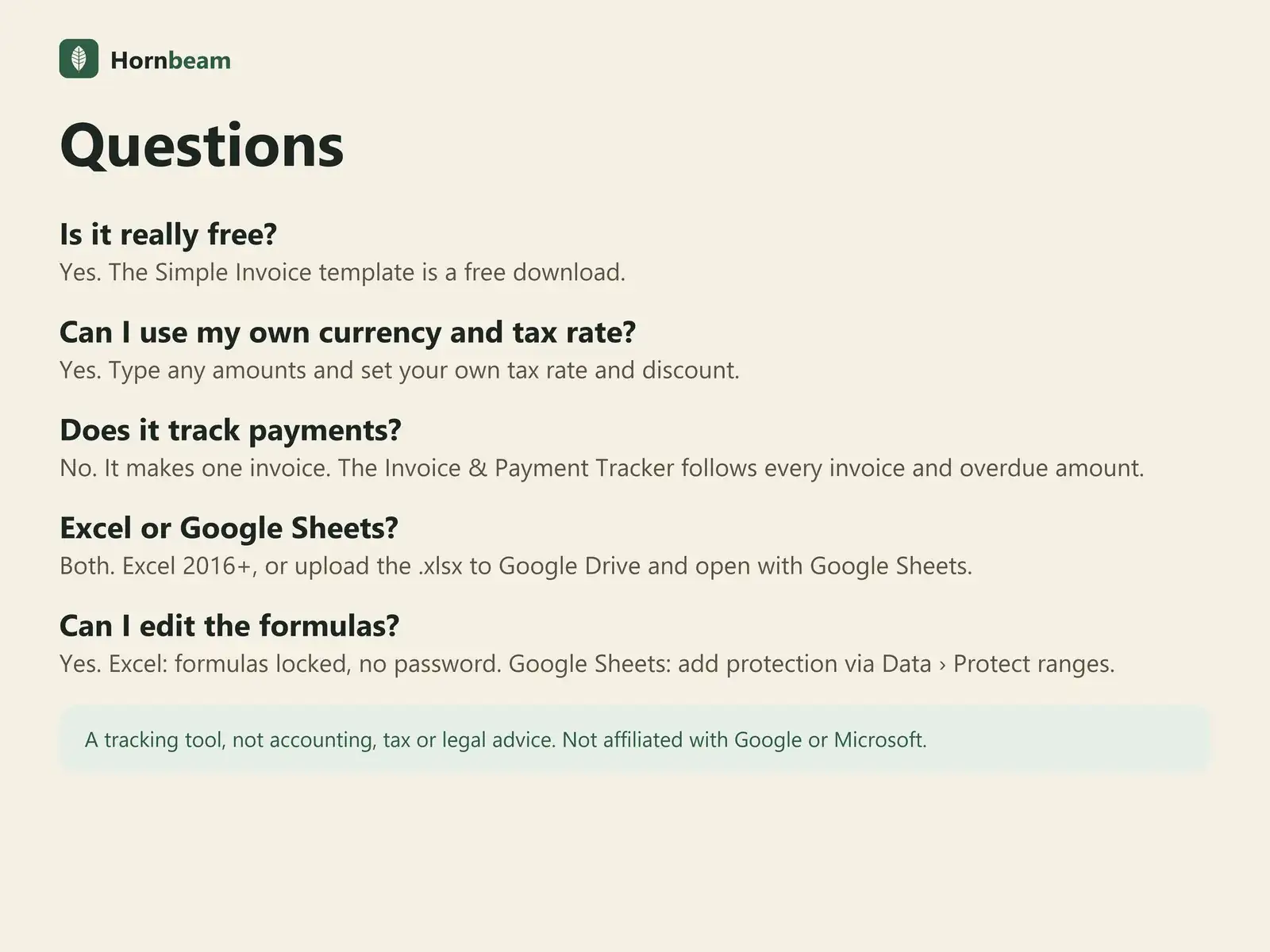
Is it really free?
Yes. Copy it to Google Sheets or download the .xlsx; no payment needed.
Do I need a Google account?
Only for the Google Sheets copy. The .xlsx download opens in Excel 2016 or later without one.
Can I use my own currency?
Yes. Amounts are plain numbers; use any currency.
Will it email the invoice?
No. Print it or save it as a PDF and send it yourself.
Can I use it for my clients' work?
Yes. Use it to run your own business, including work you do for clients. Please do not resell or share the files.
Get the free template.
No payment needed. A tracking tool, not accounting, tax, legal or financial advice.