Template · Google Sheets + Excel
Client CRM Lite
Track leads, stages, deal values and follow-ups on one screen. No big CRM needed when you have 20 leads.
One-time payment. Checkout and receipt by Polar. You receive the files straight after checkout.
- Example edition and blank edition
- One-time payment, no subscription
- Google Sheets and Excel 2016+
Tour
See it in 15 seconds
A silent 15-second walkthrough, recorded from the real file with sample data.
Features
What it does
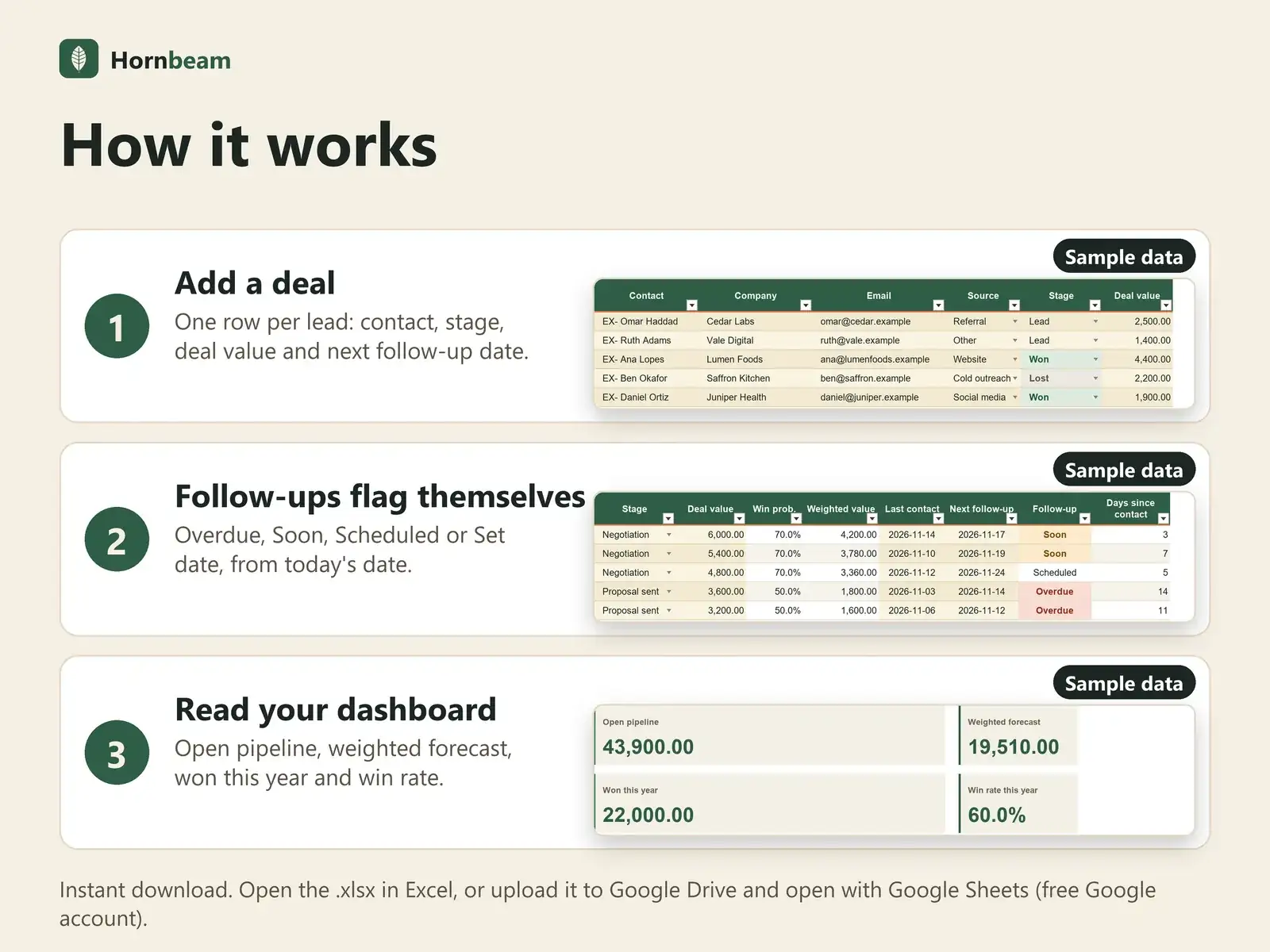
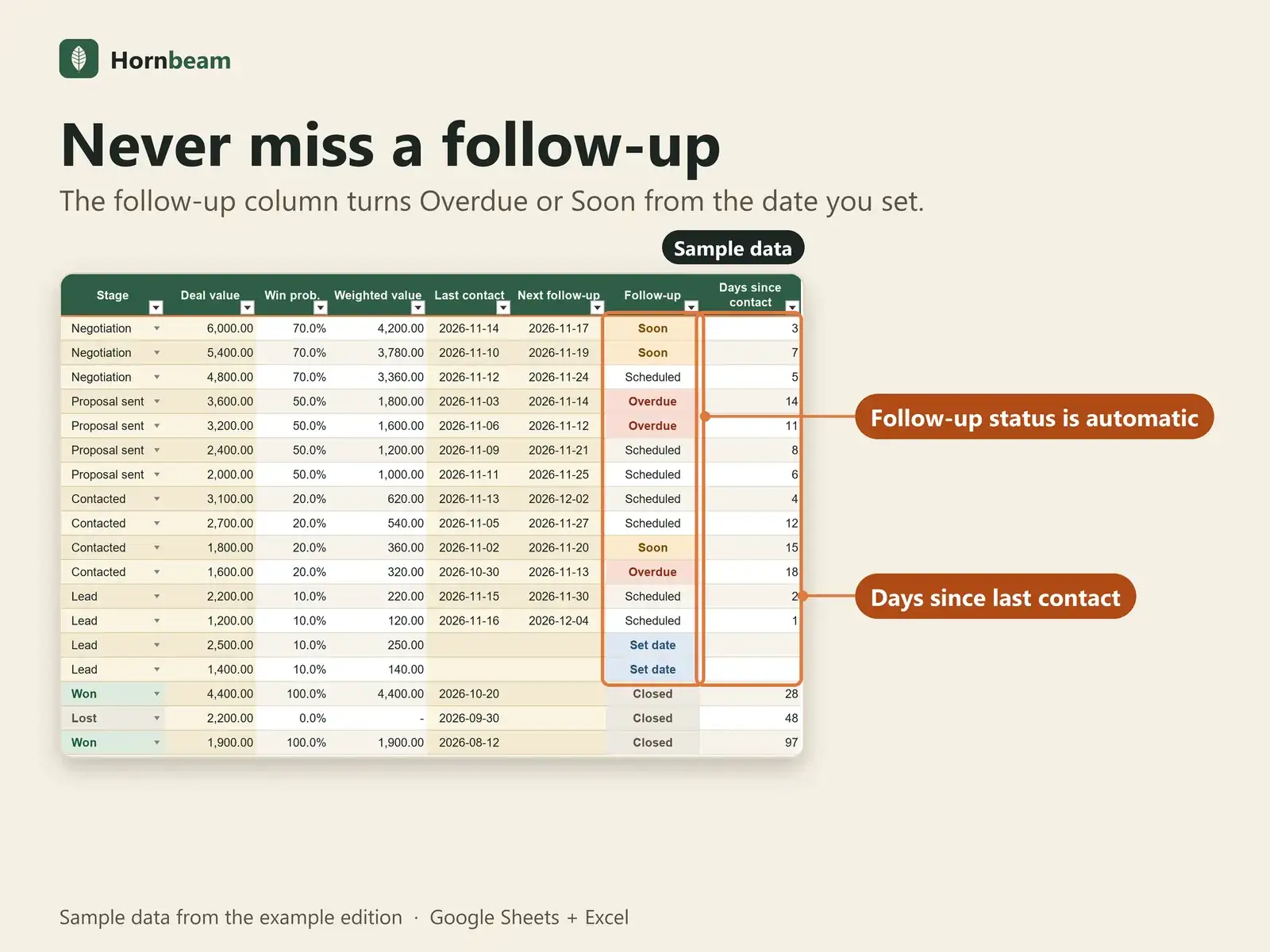
Every lead in a row
Company, source, stage, deal value and next follow-up date.
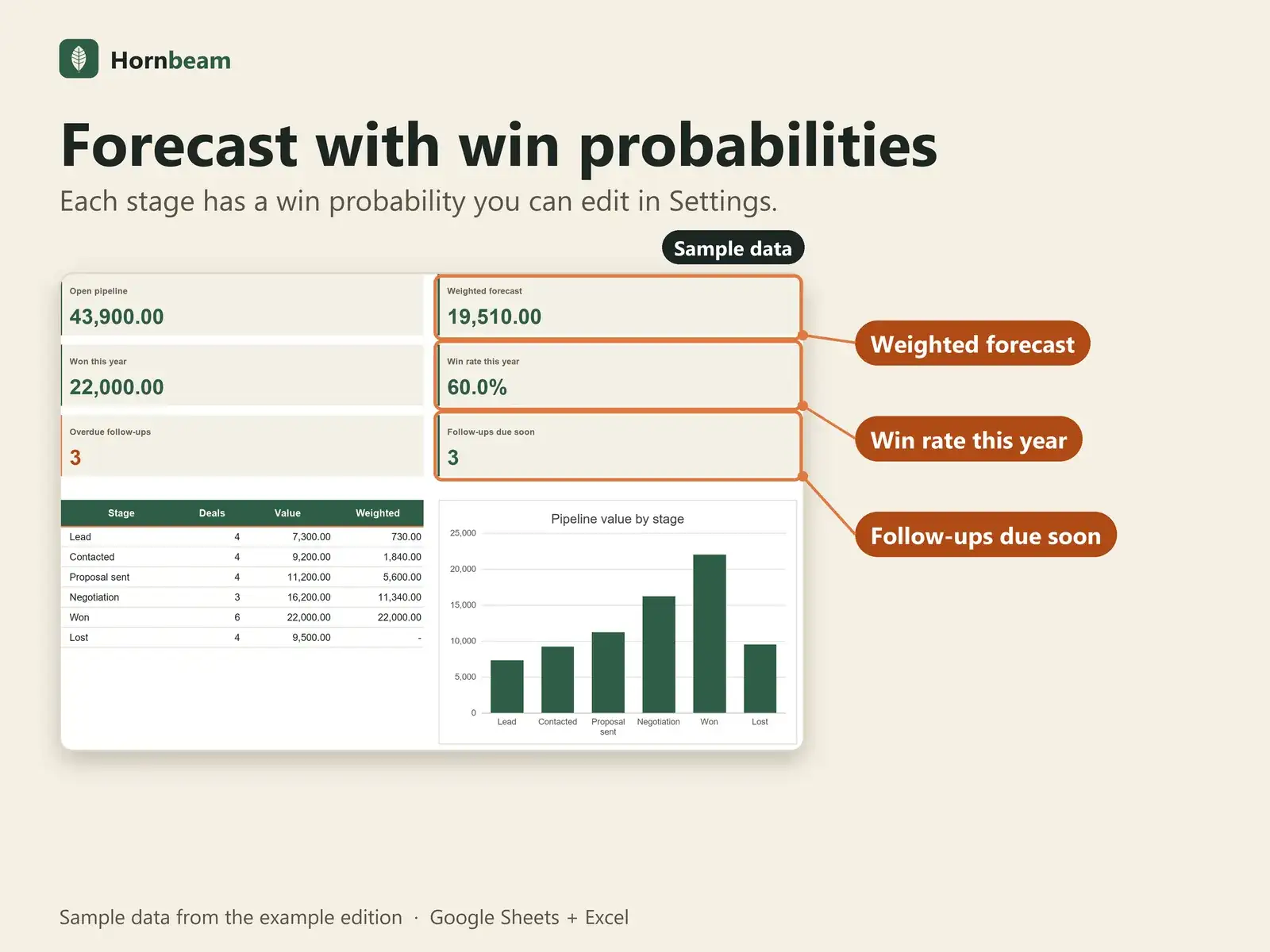
Weighted forecast
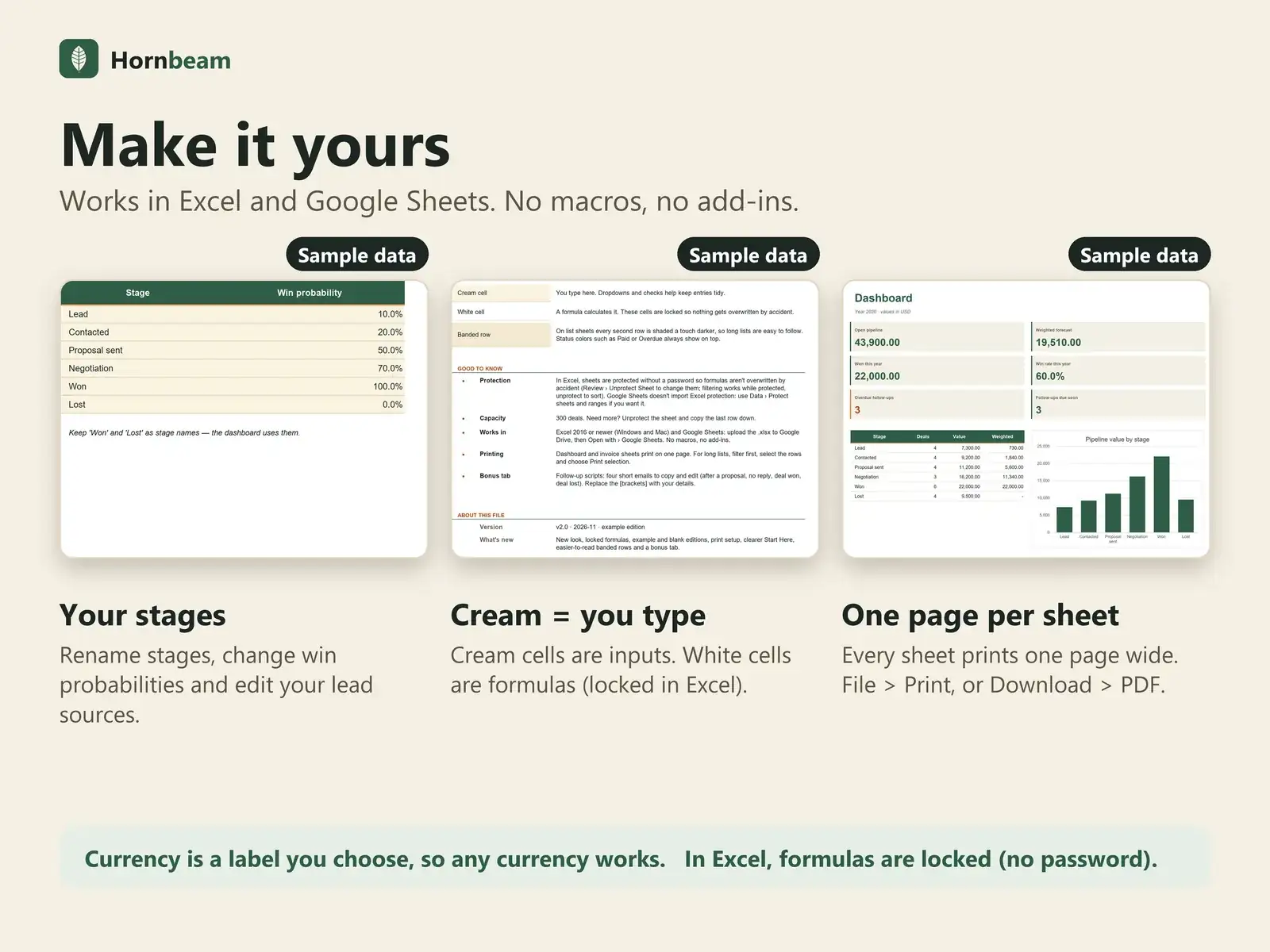
Each stage has a win probability you can edit in Settings.
Follow-up flags
Overdue, Soon, Scheduled or Set date, so no lead goes cold.
Days since last contact
See at a glance who you have not talked to.
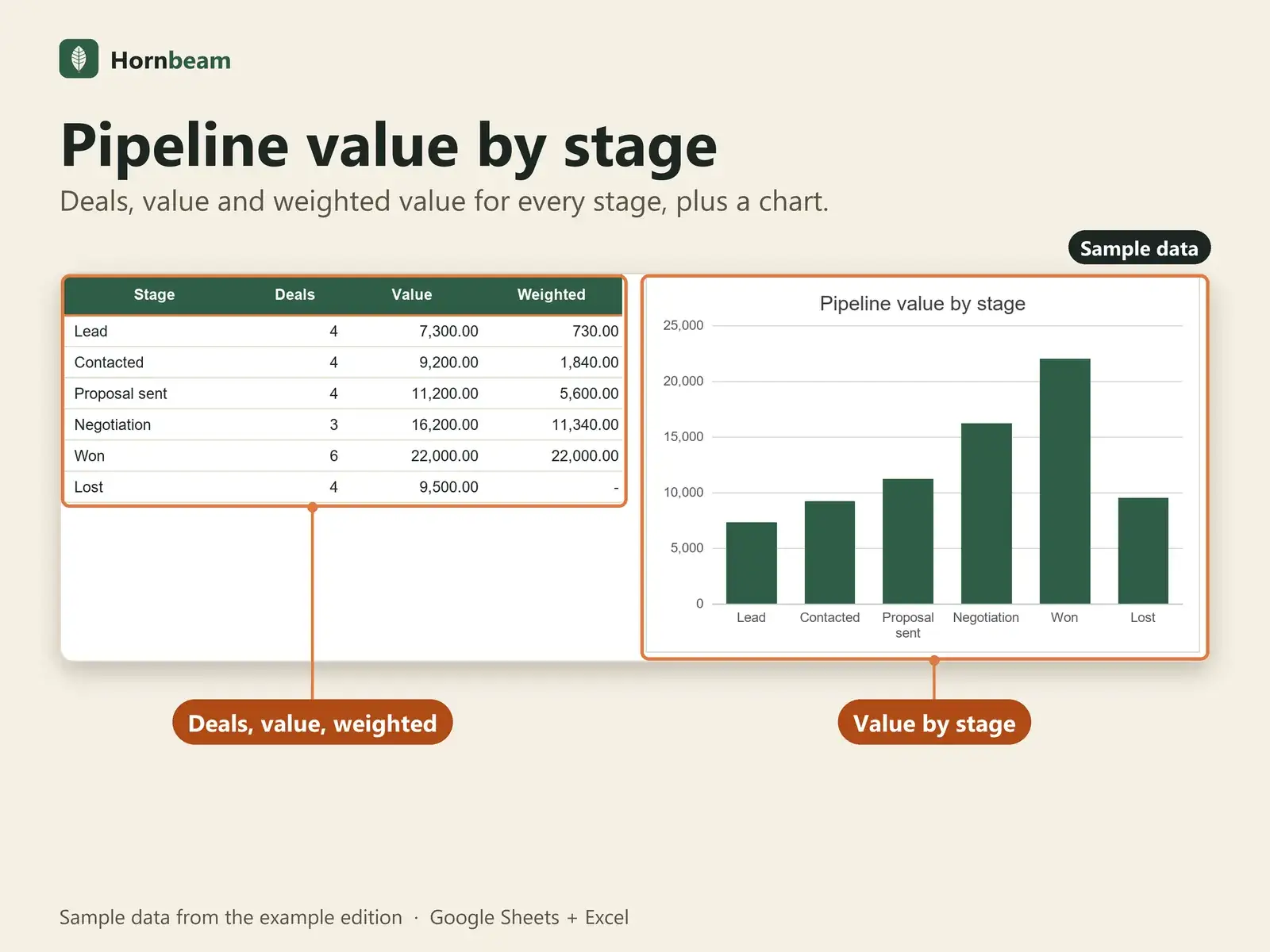
Dashboard
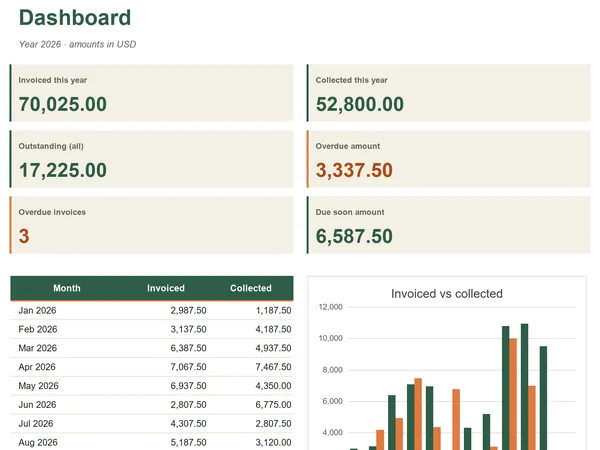
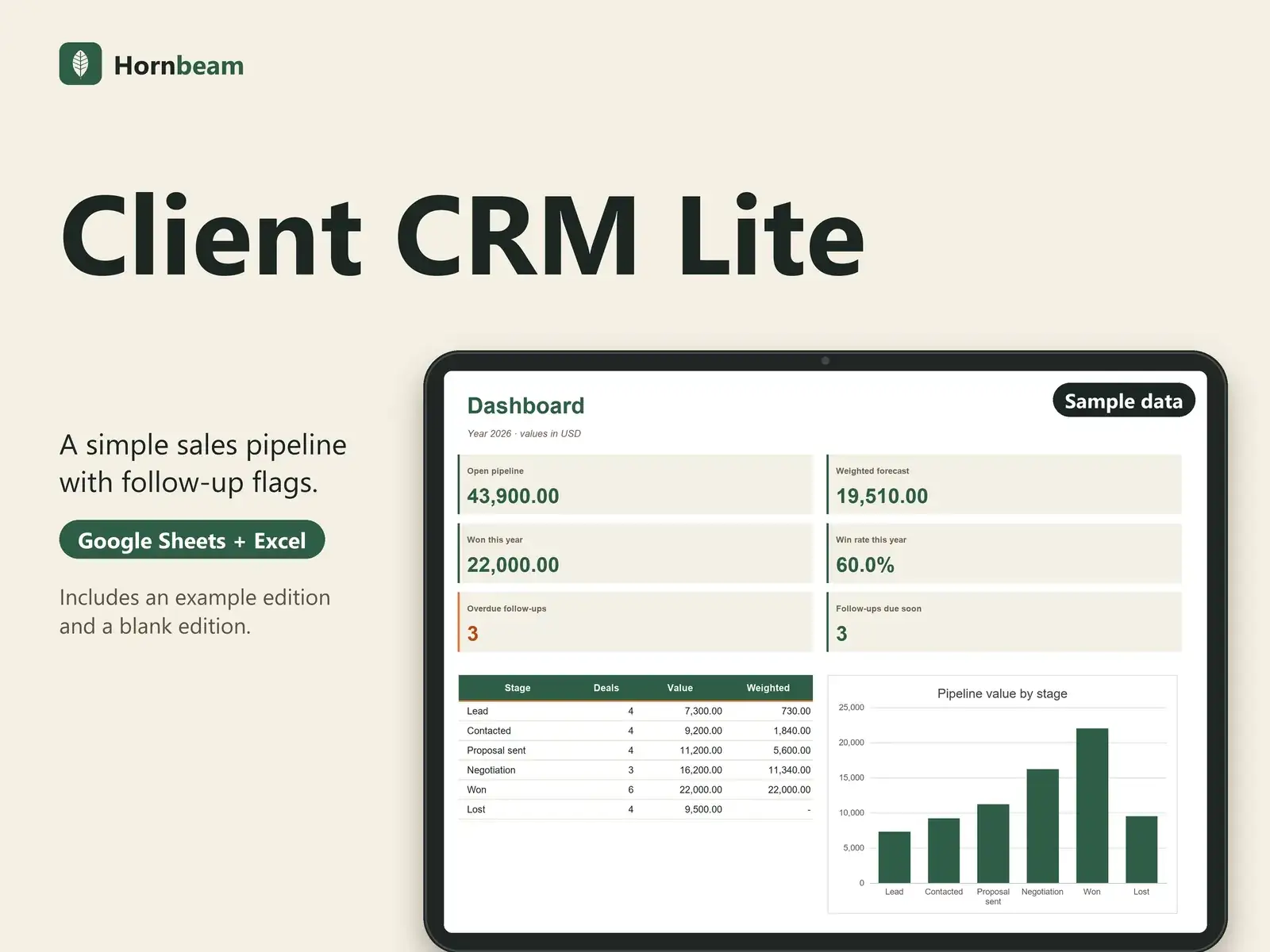
Open pipeline, weighted forecast, won this year, win rate and a chart per stage.
Your own stages and sources
Rename stages and edit lead sources in Settings.
What is included
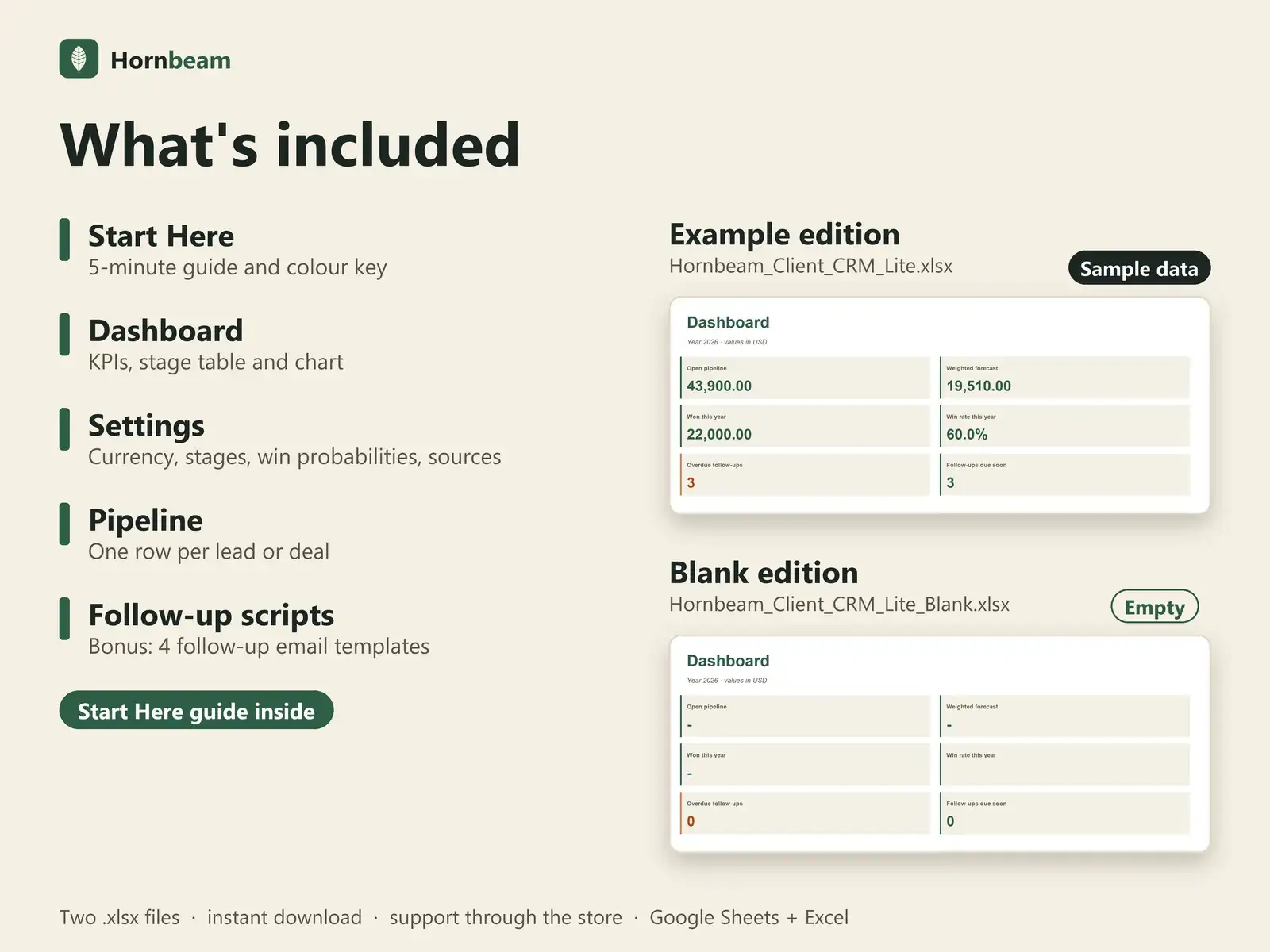
Two editions, one set of tabs
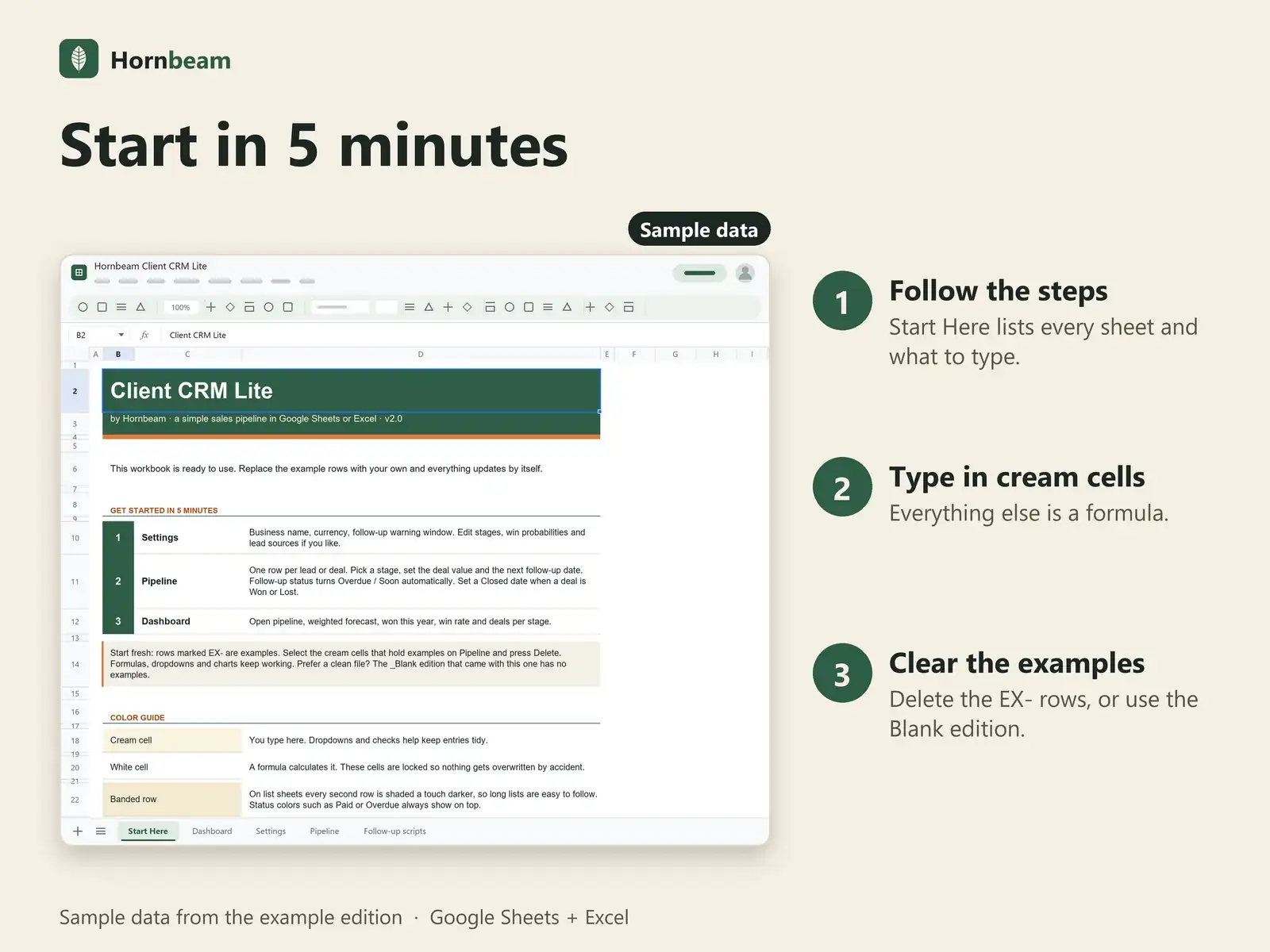
You get two .xlsx files with identical formulas, charts and layout. Open the example edition to explore, or the blank edition to start clean.
Example edition
Filled with sample data (rows marked EX-) so you can see every dashboard and flag working. Delete the EX- rows or switch to the blank edition when you are ready.
Blank edition
The same file, empty and ready for your own data. Capacity: 300 leads. Copy the last row down if you need more.
| Tab | What it is for |
|---|---|
| Start Here | 5-minute guide and colour key |
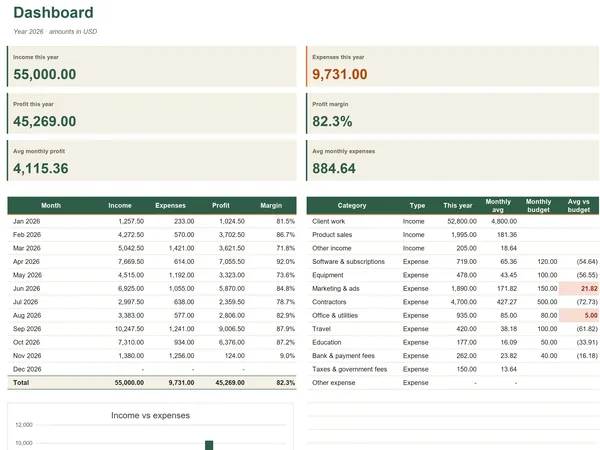
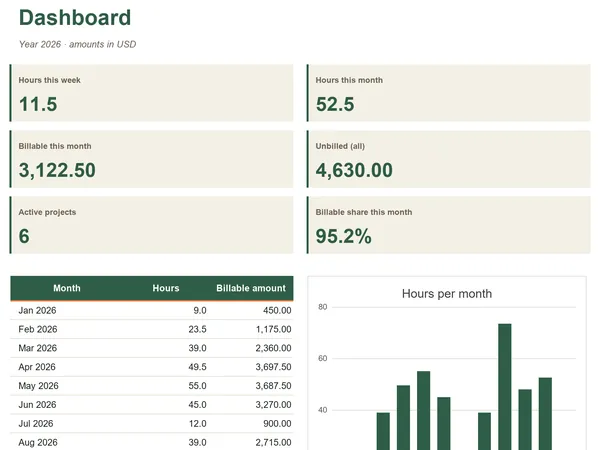
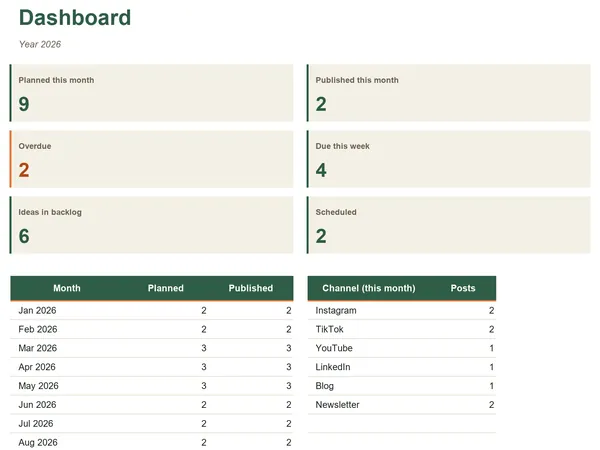
| Dashboard | KPIs, stage table and chart |
| Settings | Currency, stages, win probabilities, sources |
| Pipeline | One row per lead or deal |
| Follow-up scripts Bonus | 4 follow-up email templates |
Keep the stages called Won and Lost; the dashboard uses them. It flags follow-ups; it does not send reminders.
Compatibility
Works where you already work
| App | Support |
|---|---|
| Google Sheets | Yes. Upload the .xlsx to Google Drive, then right-click and choose Open with Google Sheets. A free Google account is enough. |
| Microsoft Excel | Excel 2016 or later opens the .xlsx directly. |
| Macros and add-ons | None. Plain formulas, dropdowns and charts. |
| Other apps | Numbers, LibreOffice and similar apps are not officially supported. |
FAQ
Questions about Client CRM Lite
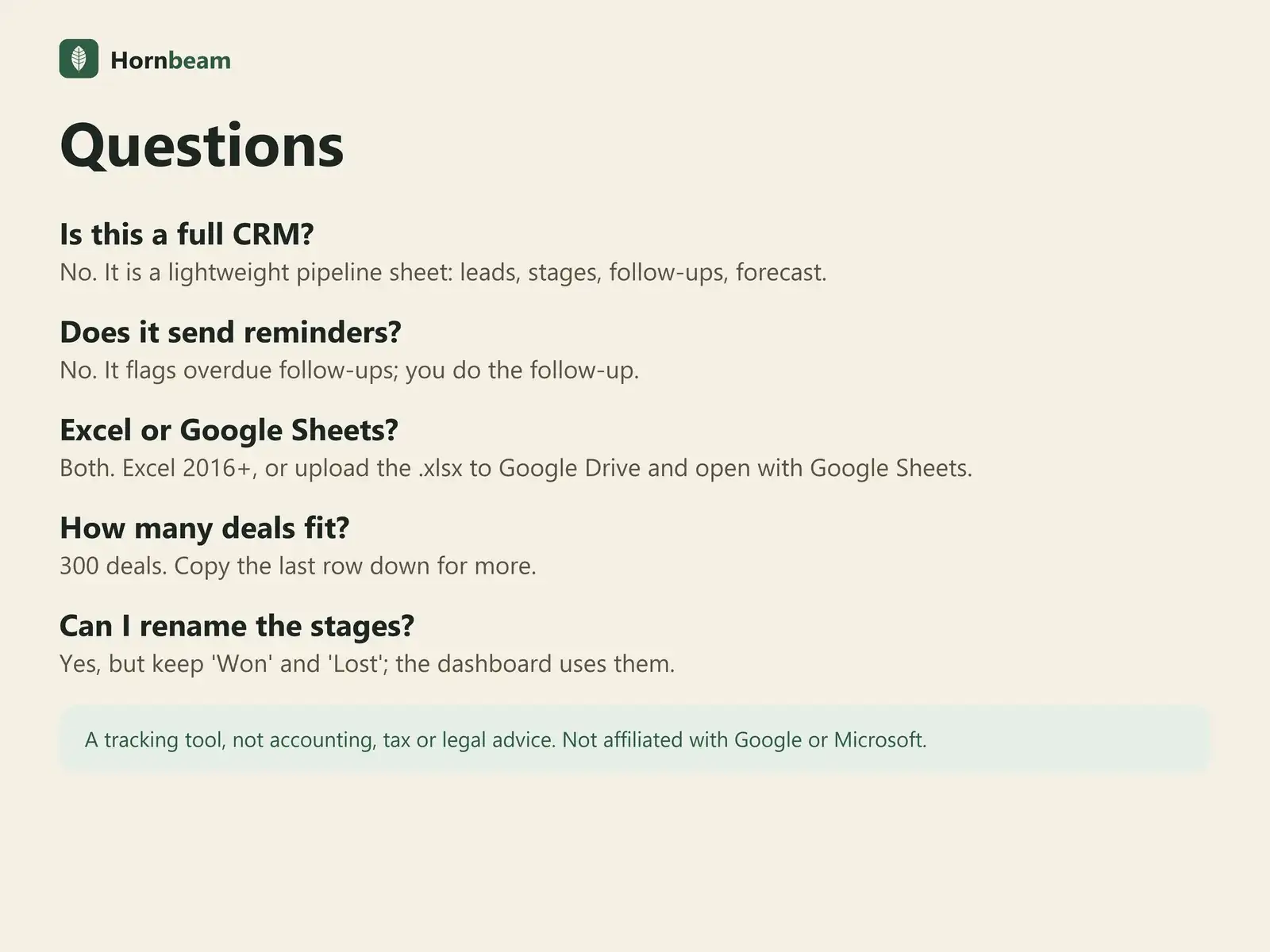
Is this a full CRM?
No. It is a lightweight pipeline sheet: leads, stages, follow-ups, forecast.
Does it send reminders?
No. It flags overdue follow-ups; you do the follow-up.
Excel or Google Sheets?
Both. Excel 2016+, or upload the .xlsx to Google Drive and open with Google Sheets.
How many deals fit?
300 deals. Copy the last row down for more.
Can I rename the stages?
Yes, but keep 'Won' and 'Lost'; the dashboard uses them.
Is there a subscription?
No. It is a one-time payment, with free updates for this version.
Can I use it for my clients' work?
Yes. Use it to run your own business, including work you do for clients. Please do not resell or share the files.
How do payment, receipts and refunds work?
Checkout is handled by Polar, our merchant of record, which also issues your receipt. For refunds, Polar's terms apply. If a file does not work, we will fix it or refund you.
Get the Client CRM Lite.
One-time payment, instant download. A tracking tool, not accounting, tax, legal or financial advice.