Bundle · Google Sheets + Excel
Small Business Ops Bundle
Everything a freelancer or small team needs to stay on top of money, clients and time. $43 if bought separately.
One-time payment. Checkout and receipt by Polar. You receive the files straight after checkout.
- 5 trackers, example and blank edition of each
- $43 if bought separately, $29 as a bundle
- Google Sheets and Excel 2016+
Tour
See it in 15 seconds
A silent 15-second walkthrough, recorded from the real file with sample data.
Included
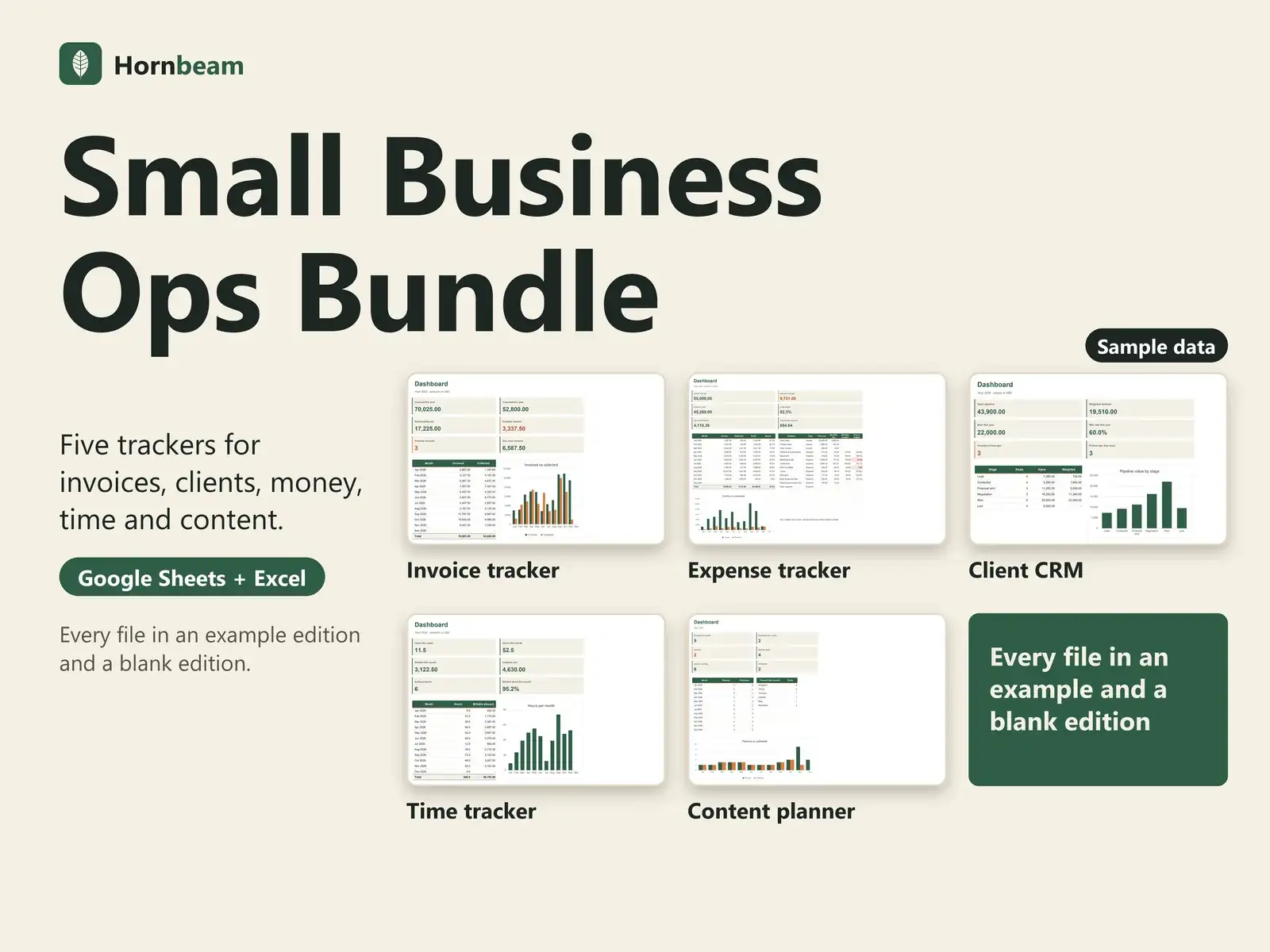
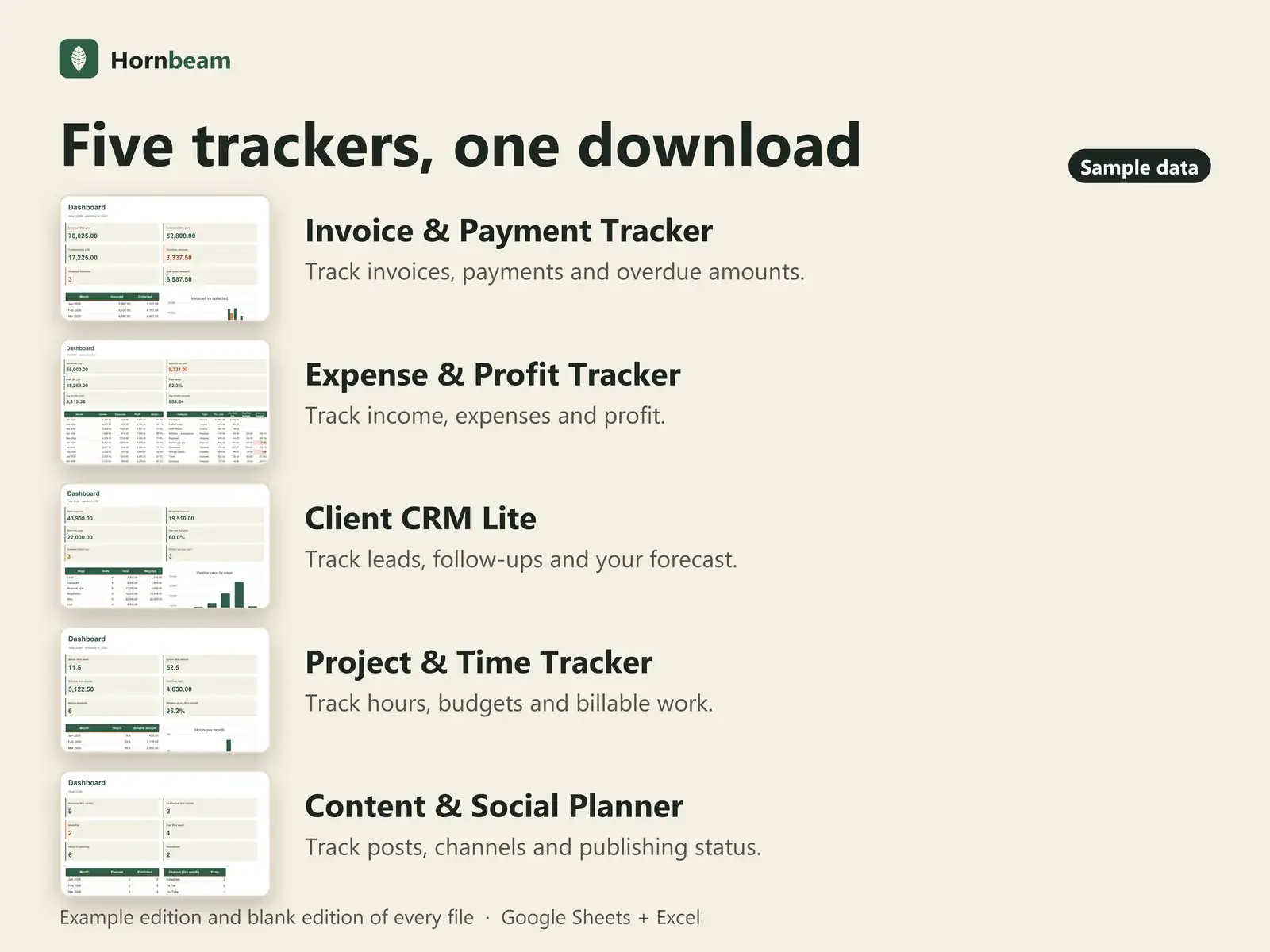
Five trackers in one download
$43 if bought separately, $29 as a bundle. Each file works on its own, so start with the one you need most.
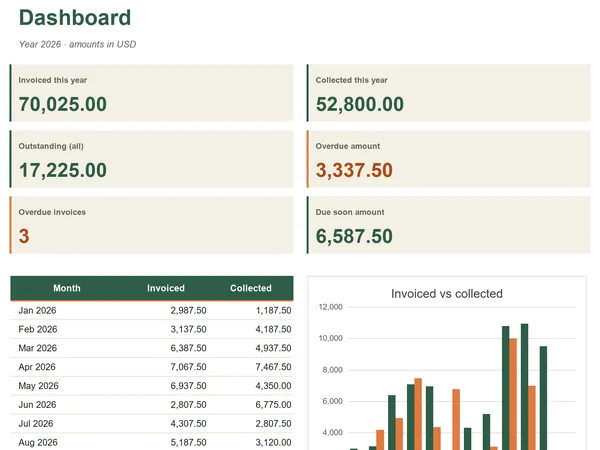
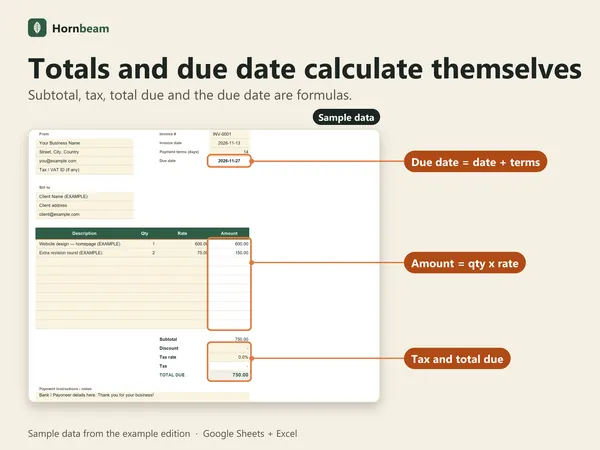
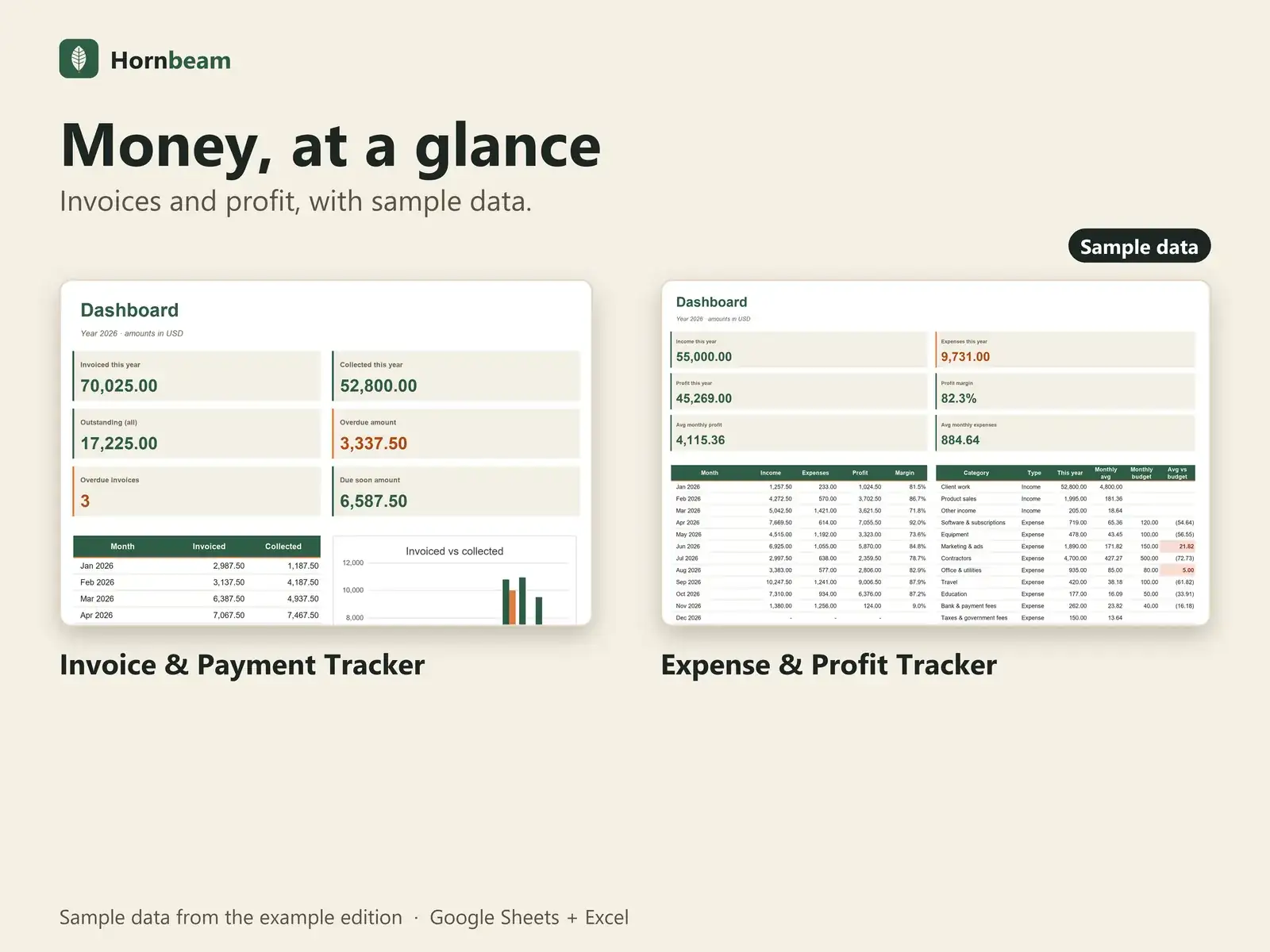
Invoice & Payment Tracker
Invoices, due dates, overdue status, monthly dashboard, printable invoice.
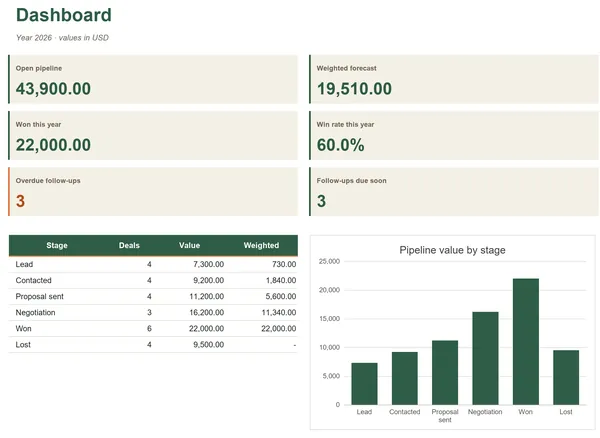
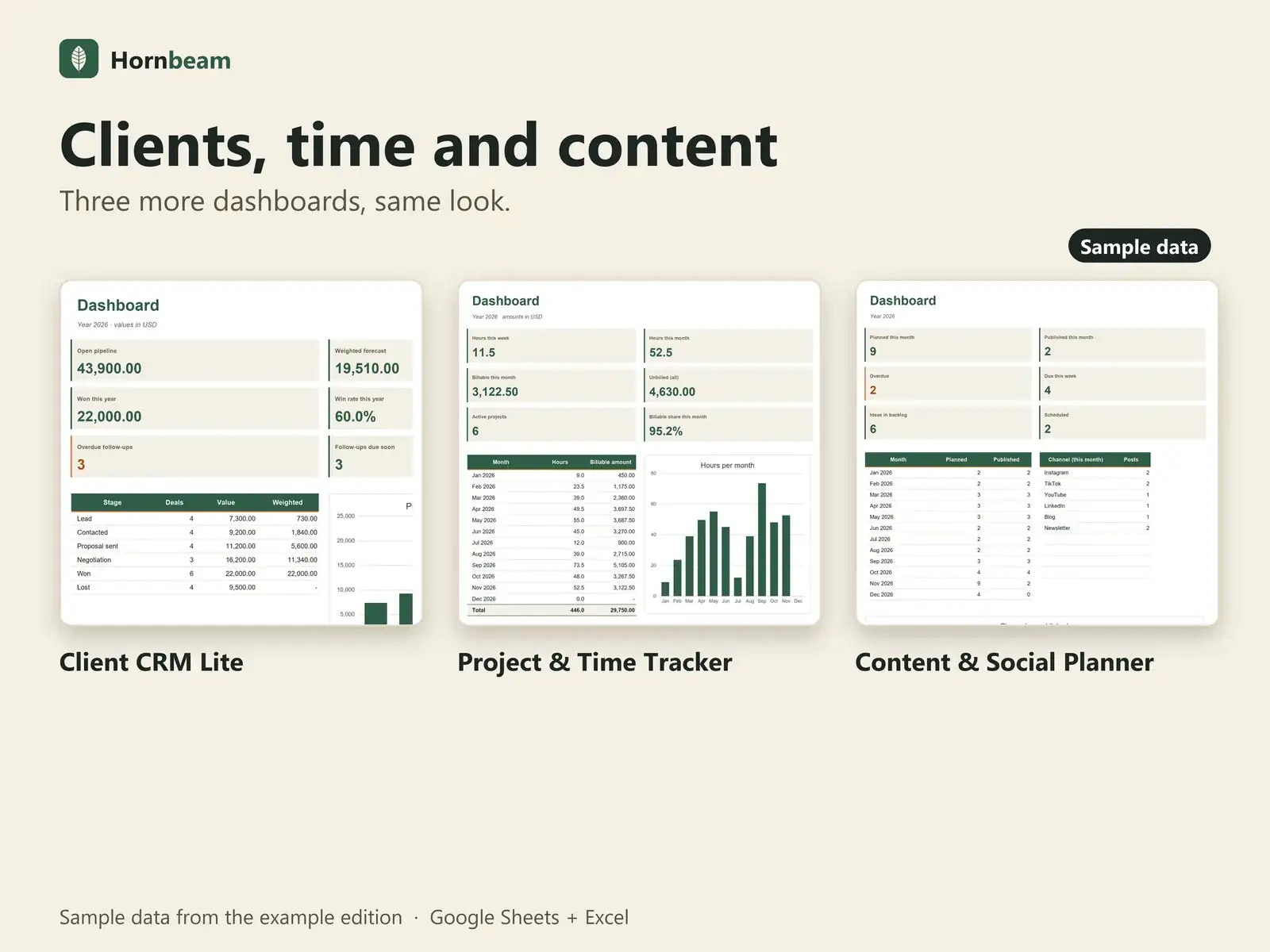
Client CRM Lite
Leads, pipeline stages, follow-up flags, win rate, weighted forecast.
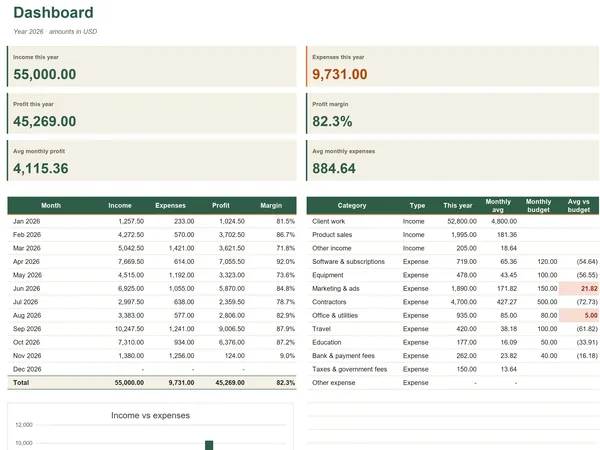
Expense & Profit Tracker
Income and expenses, monthly profit and margin, budget vs actual.
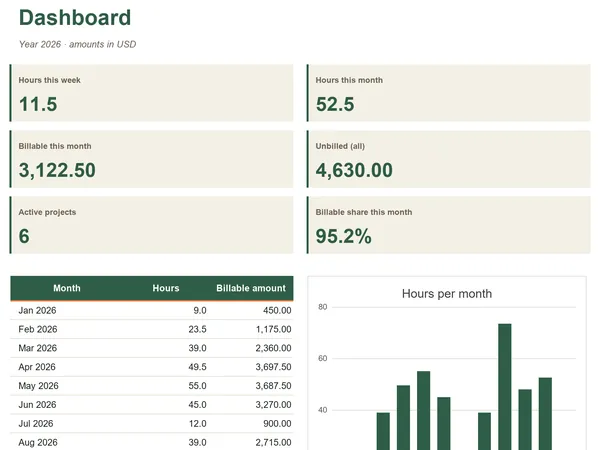
Project & Time Tracker
Hours per project, budgets, billable and unbilled work.
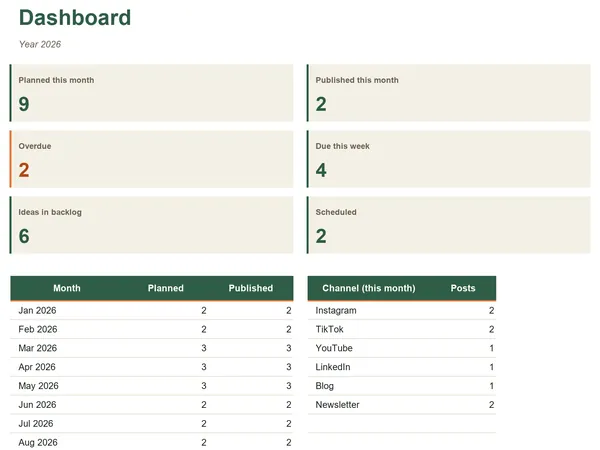
Content & Social Planner
Content calendar, status pipeline, planned vs published.
What you get
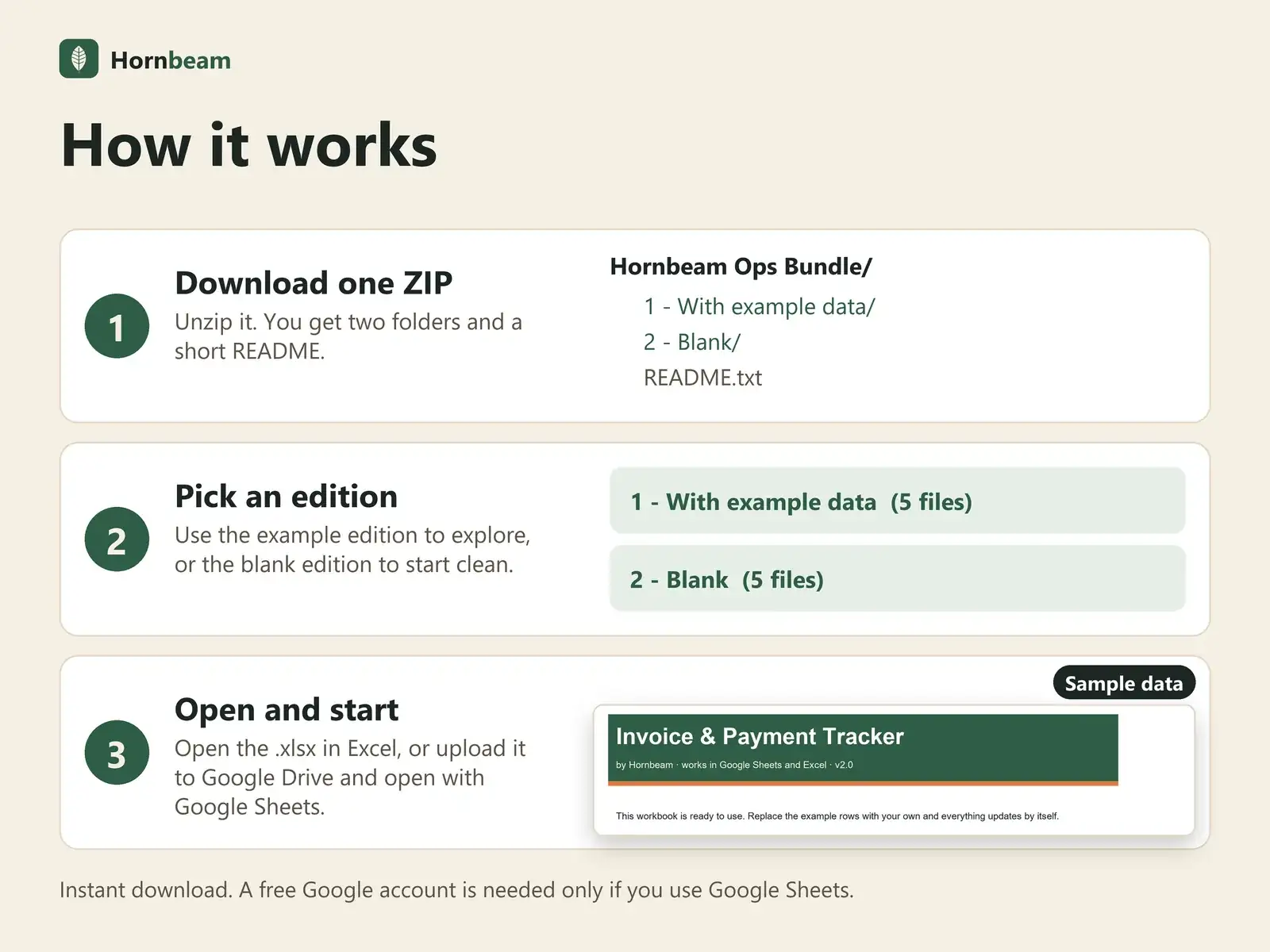
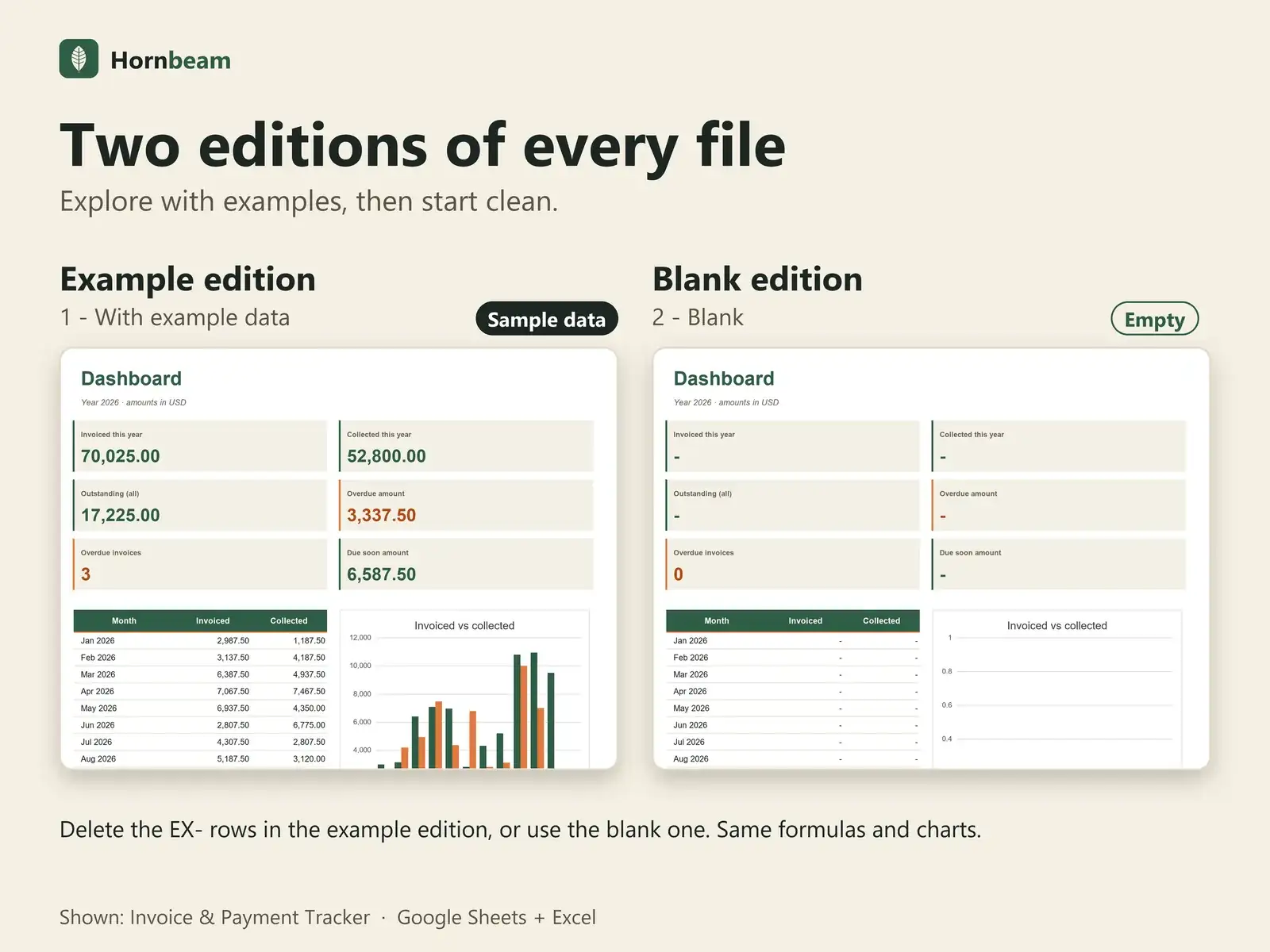
One ZIP, two editions of every file
Inside the ZIP
- A folder with the five files, each with example data (rows marked EX-)
- A folder with the five blank files, same formulas and charts
- A short README with setup steps for Excel and Google Sheets, and the license
Good to know
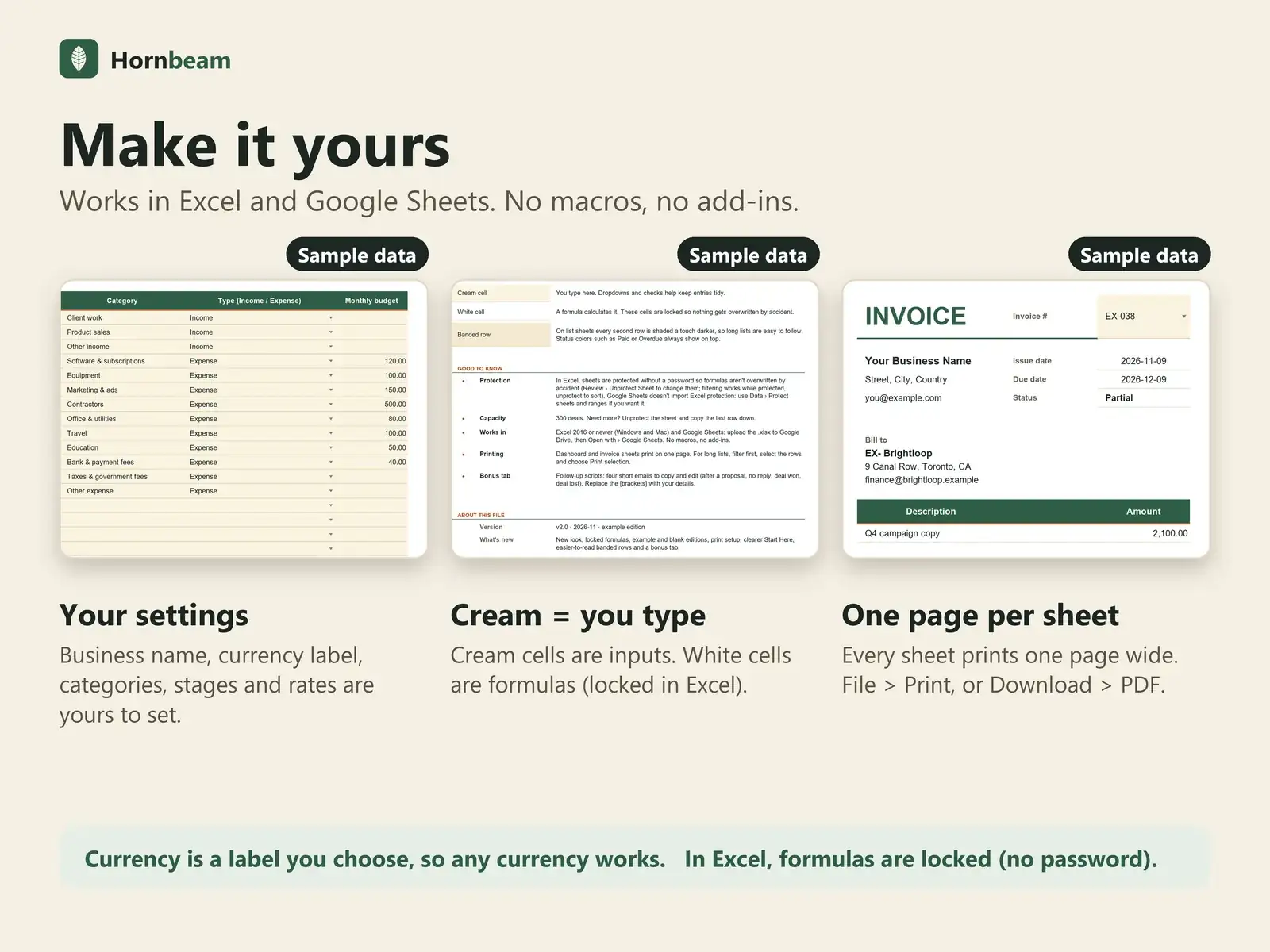
- Same layout in every file: cream cells are where you type, white cells are formulas
- In Excel, formula cells are locked (no password); Google Sheets doesn't import that lock
- The free Simple Invoice template is a separate download, not part of the ZIP
Compatibility
Works where you already work
| App | Support |
|---|---|
| Google Sheets | Yes. Upload the .xlsx to Google Drive, then right-click and choose Open with Google Sheets. A free Google account is enough. |
| Microsoft Excel | Excel 2016 or later opens the .xlsx directly. |
| Macros and add-ons | None. Plain formulas, dropdowns and charts. |
| Other apps | Numbers, LibreOffice and similar apps are not officially supported. |
FAQ
Questions about Small Business Ops Bundle
What do I get?
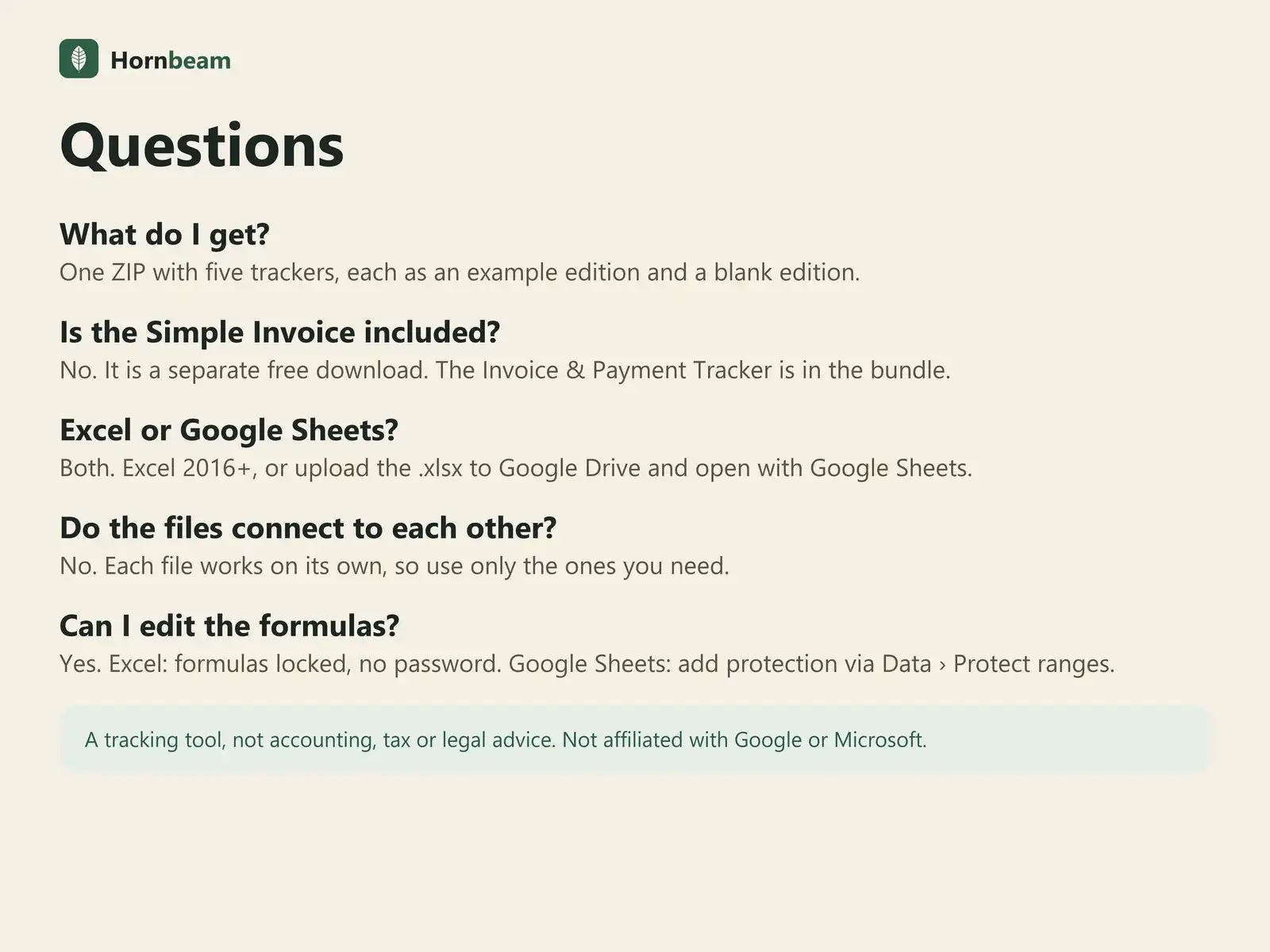
One ZIP file with two folders: five example files and five blank files, plus a short README with setup steps and the license.
Do the files connect to each other?
No. Each file works on its own, so use only the ones you need.
Can I edit the formulas?
Yes. In Excel, formula cells are locked without a password; unprotect any time. Google Sheets doesn't import Excel protection, so add it with Data › Protect sheets and ranges if you want it.
Does it work in Google Sheets and Excel?
Yes, both. Excel 2016 or later opens the .xlsx file directly. For Google Sheets, upload the file to Google Drive and open it with Google Sheets. A free Google account is all you need.
Is there a subscription?
No. It is a one-time payment, with free updates for this version.
Can I use it for my clients' work?
Yes. Use it to run your own business, including work you do for clients. Please do not resell or share the files.
How do payment, receipts and refunds work?
Checkout is handled by Polar, our merchant of record, which also issues your receipt. For refunds, Polar's terms apply. If a file does not work as described, message us and we will help fix it.
Get all five for $29.
One-time payment, instant download. A tracking tool, not accounting, tax, legal or financial advice.