Invoice & Payment Tracker
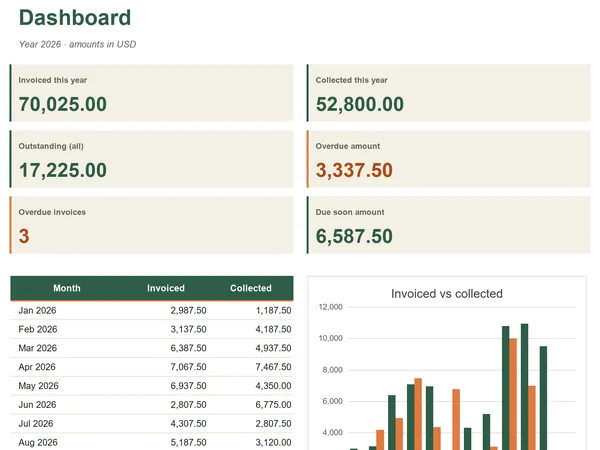
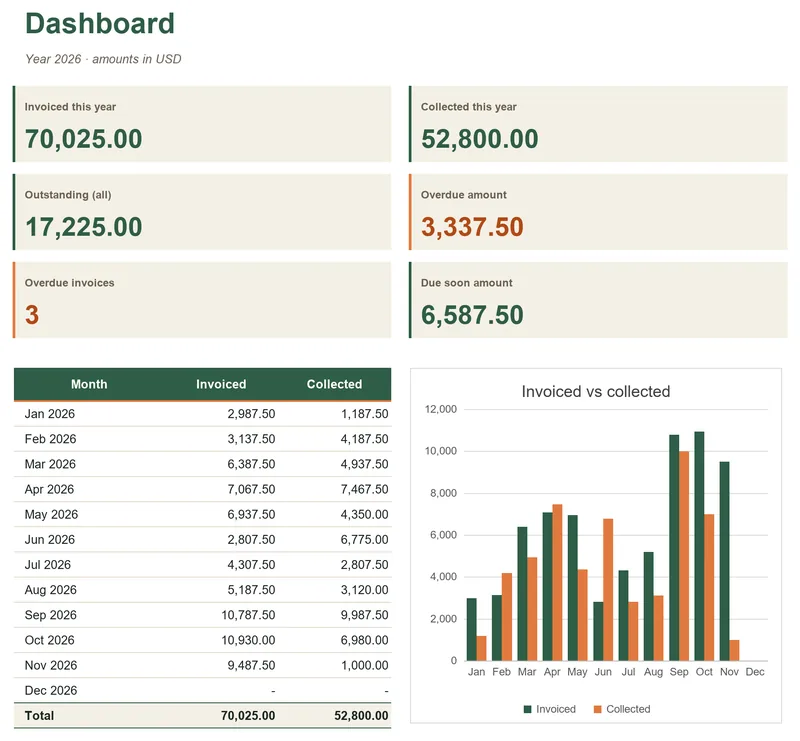
Every invoice in one place, with automatic Paid, Due soon and Overdue status.
- Status and days overdue update from each due date
- Client list with invoiced and outstanding totals
- Dashboard plus a clean printable invoice
Google Sheets + Excel
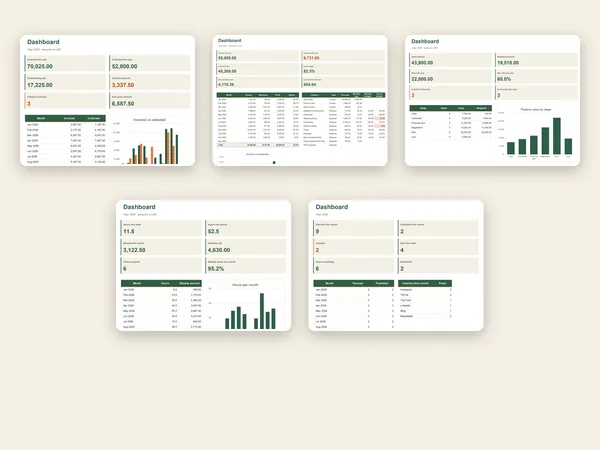
Invoices, clients, expenses, time and content: five simple trackers whose dashboards update themselves. One-time payment, no subscription, from $7.
Templates
Each file works on its own, in Google Sheets and Excel. Start with the one you need most.
Every invoice in one place, with automatic Paid, Due soon and Overdue status.
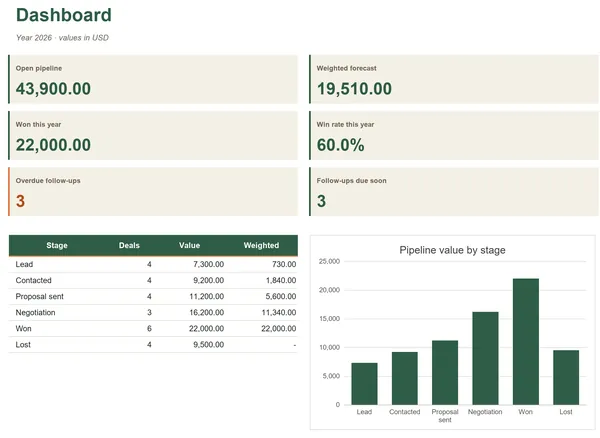
Leads, stages, deal values and follow-up flags in one simple sheet.
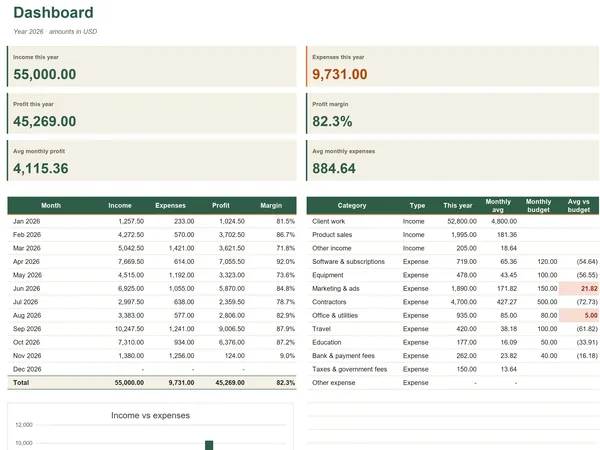
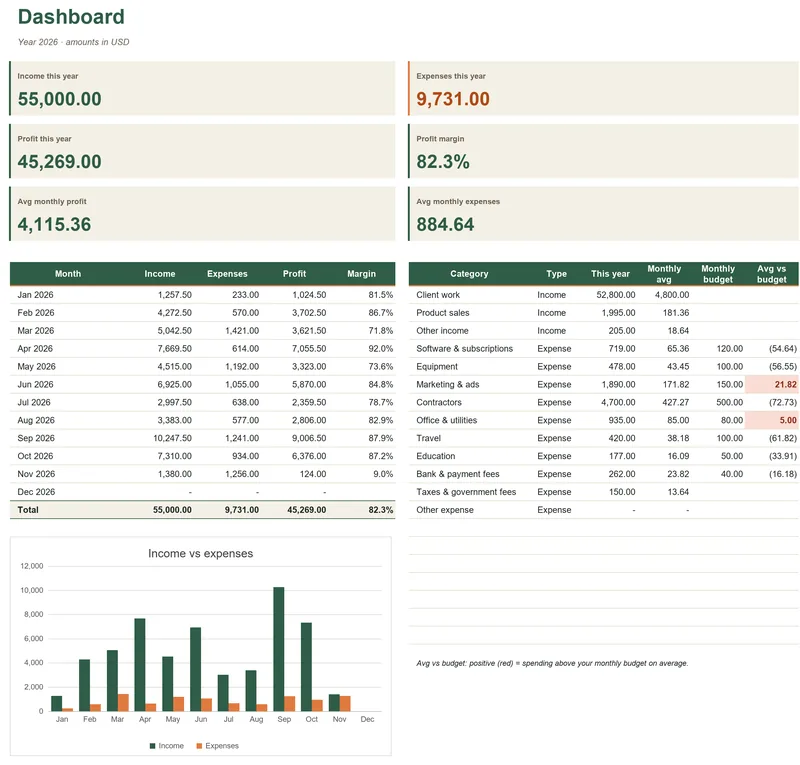
Log income and expenses; the dashboard shows monthly profit and margin.
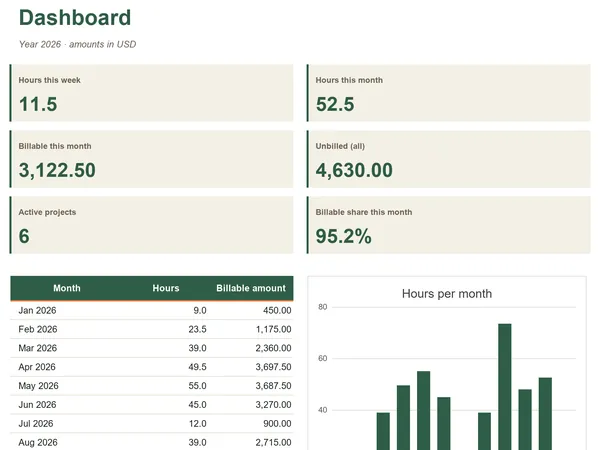
Hours per project, budgets and what you can still bill.
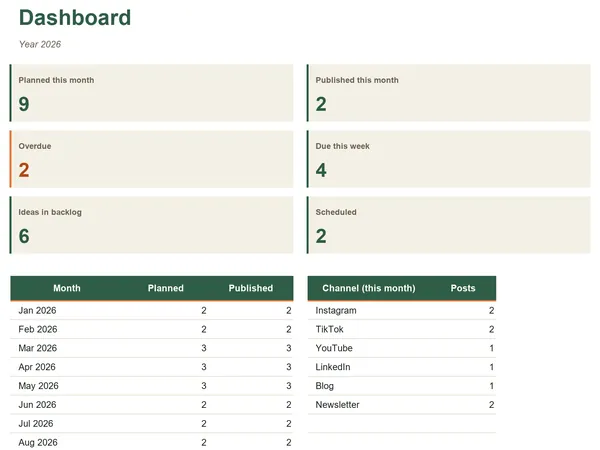
Plan posts across every channel and track planned vs published.
All five trackers in one download. $43 if bought separately.
Free template
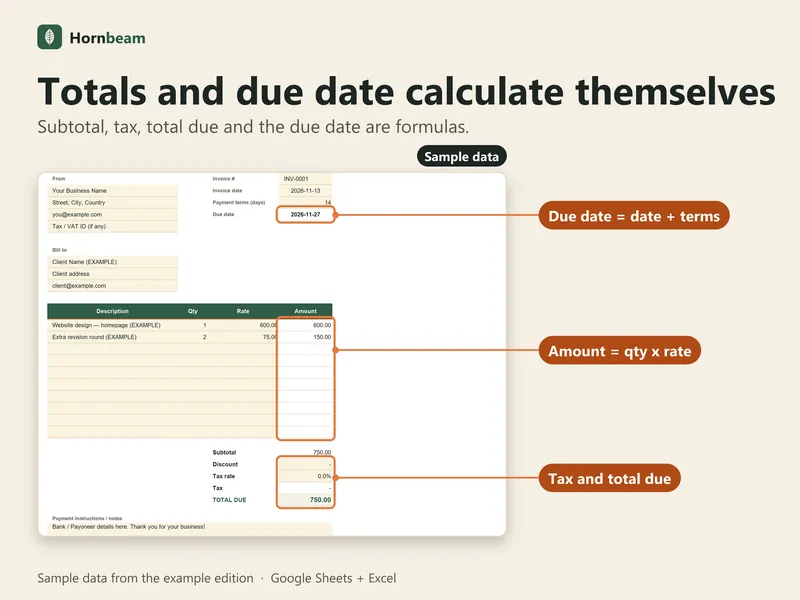
A clean invoice that calculates its own line totals, discount, tax and due date. Fill the cream cells, then print it or save it as a PDF. It is the same layout as the Invoice View tab of the Invoice & Payment Tracker.
Copying to Google Sheets needs a Google account. See details, or join the newsletter for new templates.
How it works
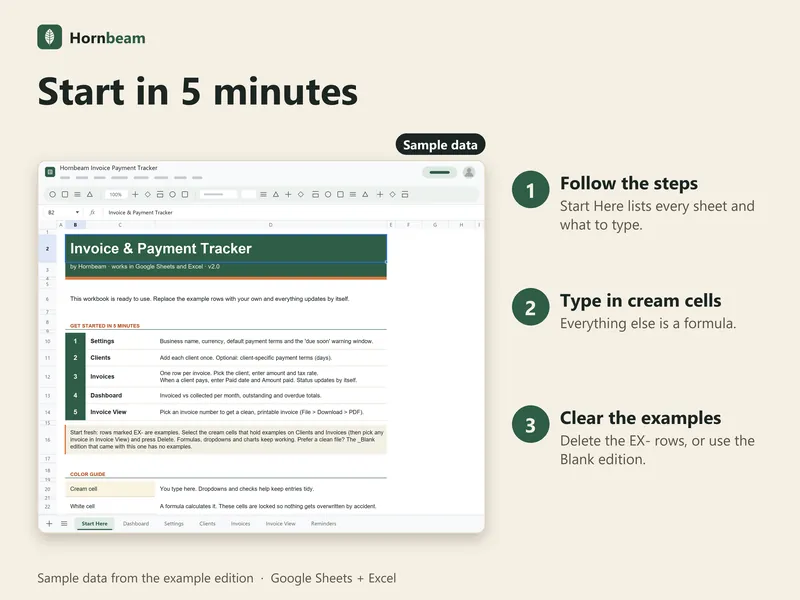
After checkout you get the .xlsx file straight away: an example edition and a blank edition.
Excel 2016 or later opens it directly. For Google Sheets, upload it to Drive and open with Google Sheets.
Everything else is a formula. Statuses, totals and charts update as you type. The Start Here tab walks you through it in about five minutes.
Built carefully
See it working with example rows (marked EX-), then switch to the blank edition.
In Excel, formula cells are locked without a password. In Google Sheets, add protection with Data › Protect sheets and ranges.
Plain spreadsheets with formulas, dropdowns and charts. Nothing to install.
Cream cells are where you type, white cells are formulas. Learn one file, know all five.
FAQ
Yes, both. Excel 2016 or later opens the .xlsx file directly. For Google Sheets, upload the file to Google Drive and open it with Google Sheets. A free Google account is all you need.
No. The sheets flag what is overdue or due soon; you send the message yourself. Nothing leaves your file: no macros, no add-ons, no connections to other services. The Invoice & Payment Tracker includes three polite payment-reminder emails you can copy.
Any. You type a currency label in Settings and amounts are plain numbers, so the sheets work in dollars, euros, pounds or anything else.
Yes. In Excel, formula cells are locked without a password; unprotect any time. Google Sheets doesn't import Excel protection, so add it with Data › Protect sheets and ranges if you want it.
Every template comes in two editions: an example edition with sample rows marked EX- so you can see how it works, and a blank edition to start clean. Each has a Start Here tab with a five-minute setup.
No. It is a one-time payment, with free updates for this version.
Checkout is handled by Polar, our merchant of record, which also issues your receipt. Polar's refund terms apply, and if a file does not work, we will fix it or refund you. Details are on the terms page.
No. These are tracking tools. They are not accounting, tax, legal or financial advice. Keep official records as your local rules require.
An occasional email when a new template or guide is ready. Unsubscribe any time.